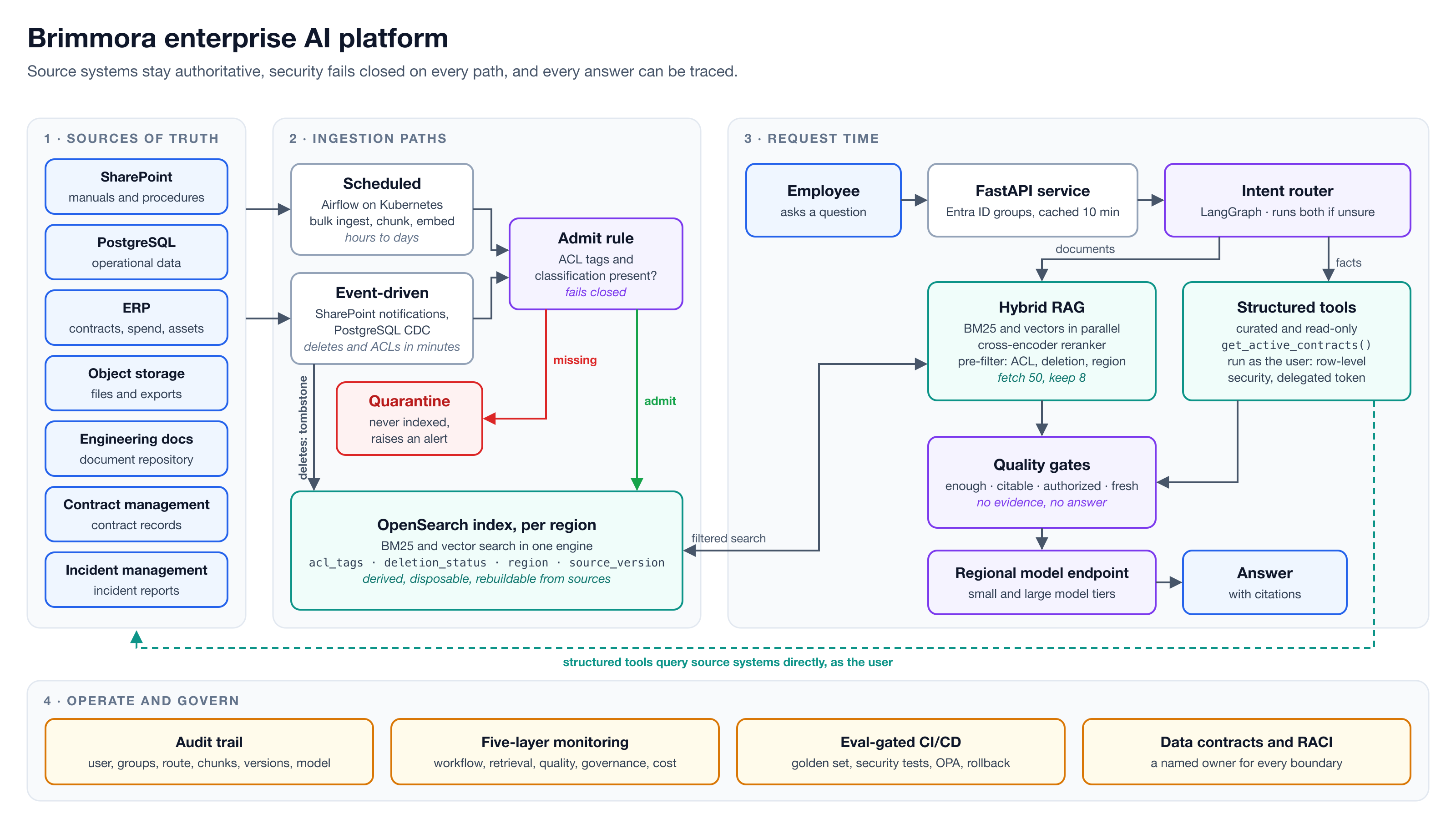
Building an enterprise AI platform: permission-aware RAG that holds up in production
A reference architecture for enterprise AI: hybrid retrieval, user-scoped tools, fail-closed access control, event-driven deletes, and eval-gated CI/CD.

Contributing author
Software engineer building AI systems that are grounded, evaluated, and secure. RAG, MCP, Python, and identity (OAuth, Entra ID). Open to AI engineering roles
Published work
A reference architecture for enterprise AI: hybrid retrieval, user-scoped tools, fail-closed access control, event-driven deletes, and eval-gated CI/CD.
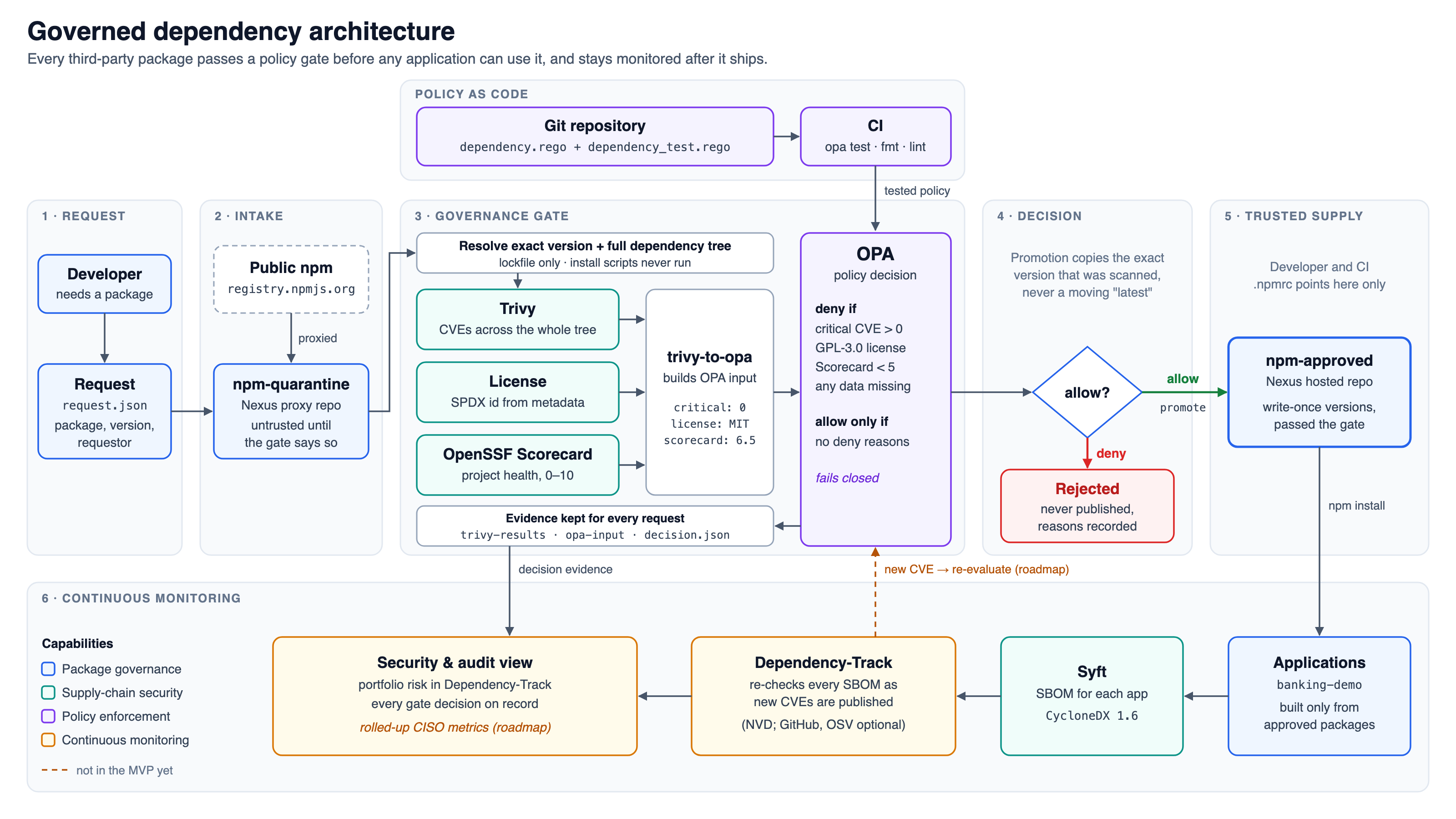
A case study of a governed open-source intake pipeline: quarantine, Trivy scanning, OPA policy as code, promotion to an approved registry, and SBOM monitoring with Dependency-Track.
Use eval/score.py to compute precision, recall, and F1 for a reconciliation run against the ground_truth.json answer key, then optionally load the same run into a Postgres target schema.
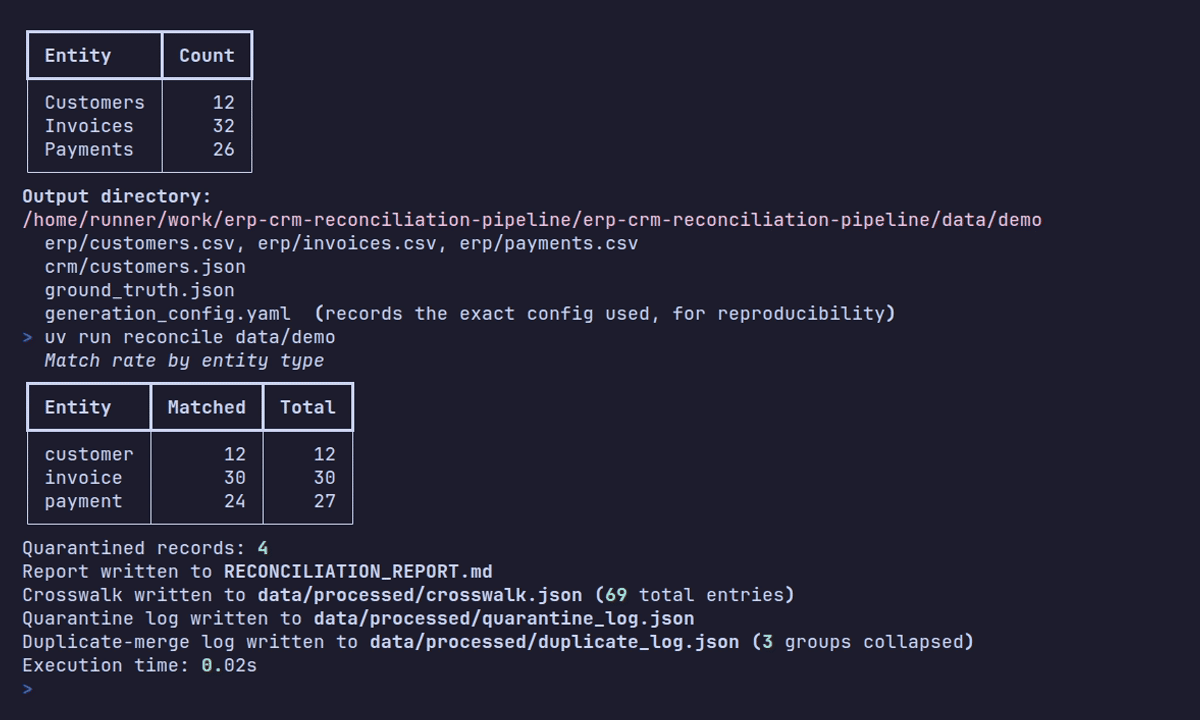
Run the reconcile CLI to ingest, clean, validate, and resolve ERP and CRM exports into a single crosswalk, quarantine log, and Markdown reconciliation report.
Tune the missing-value, bad-date, encoding, duplicate, orphan, and amount-drift ratios that control how messy a generated dataset is, and save your choices to a config file datagen can replay exactly.
Read the same customer, invoice, and payment across a flat ERP CSV export and a nested CRM JSON export, and learn what the ground_truth.json answer key does, and doesn't, record.
Use the datagen CLI to produce a reproducible, deliberately messy ERP and CRM export pair, complete with a ground-truth answer key, the foundation every reconciliation lesson in this series runs against.
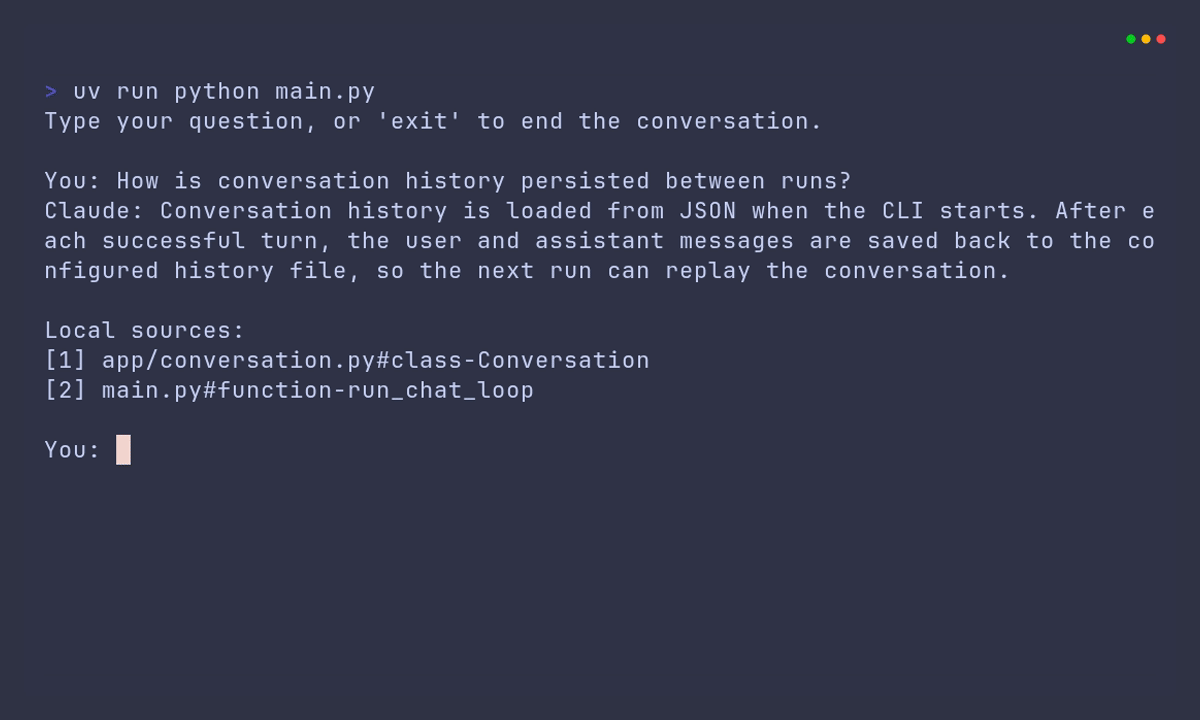
Add deterministic rule checks to a prompt-evaluation workflow, then measure exactly where simple substring rules produce false positives and false negatives.
Turn six labeled retrieval questions into a repeatable BM25 quality report using Hit@k, Recall@k, and mean reciprocal rank, then use the report to find what lexical retrieval misses.
Combine BM25 and vector rankings with Reciprocal Rank Fusion, promoting chunks found by multiple retrievers without ever comparing their incompatible raw scores.
Build a small exact vector index that stores L2-normalized vectors, ranks results by cosine similarity, and rejects vectors from an incompatible model or dimension.
Build the keyword-ranking function behind a local retrieval pipeline: preserve identifiers, calculate Okapi BM25 scores, and return deterministic ranked results without a search library.
Build the ingestion pipeline that splits Python and Markdown files into stable, citable chunks, the foundation every retrieval guide in this series searches.
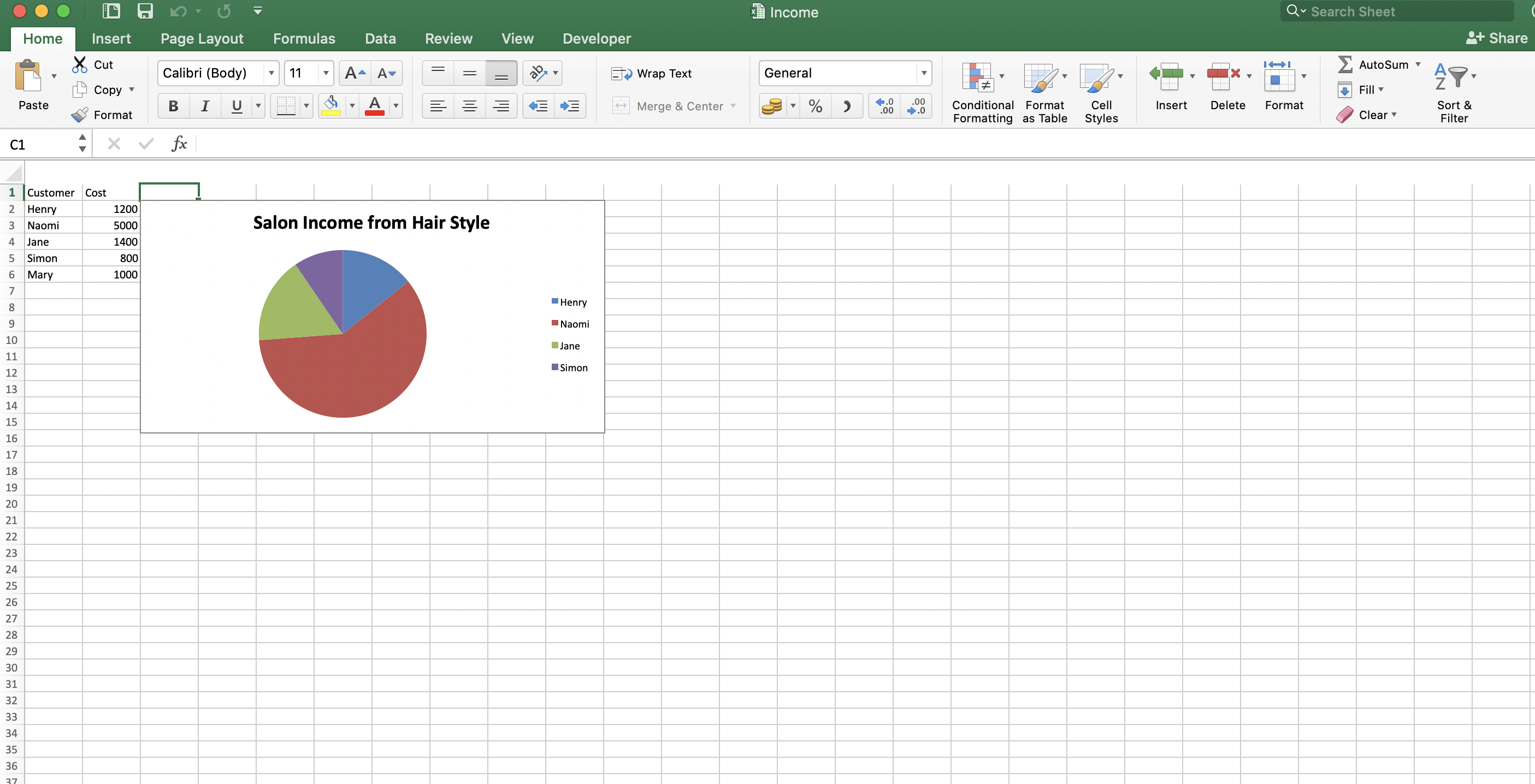
Write data from Python to an Excel workbook with pandas and openpyxl, then generate a pie chart from it. Covers Anaconda setup and Python 3.7.
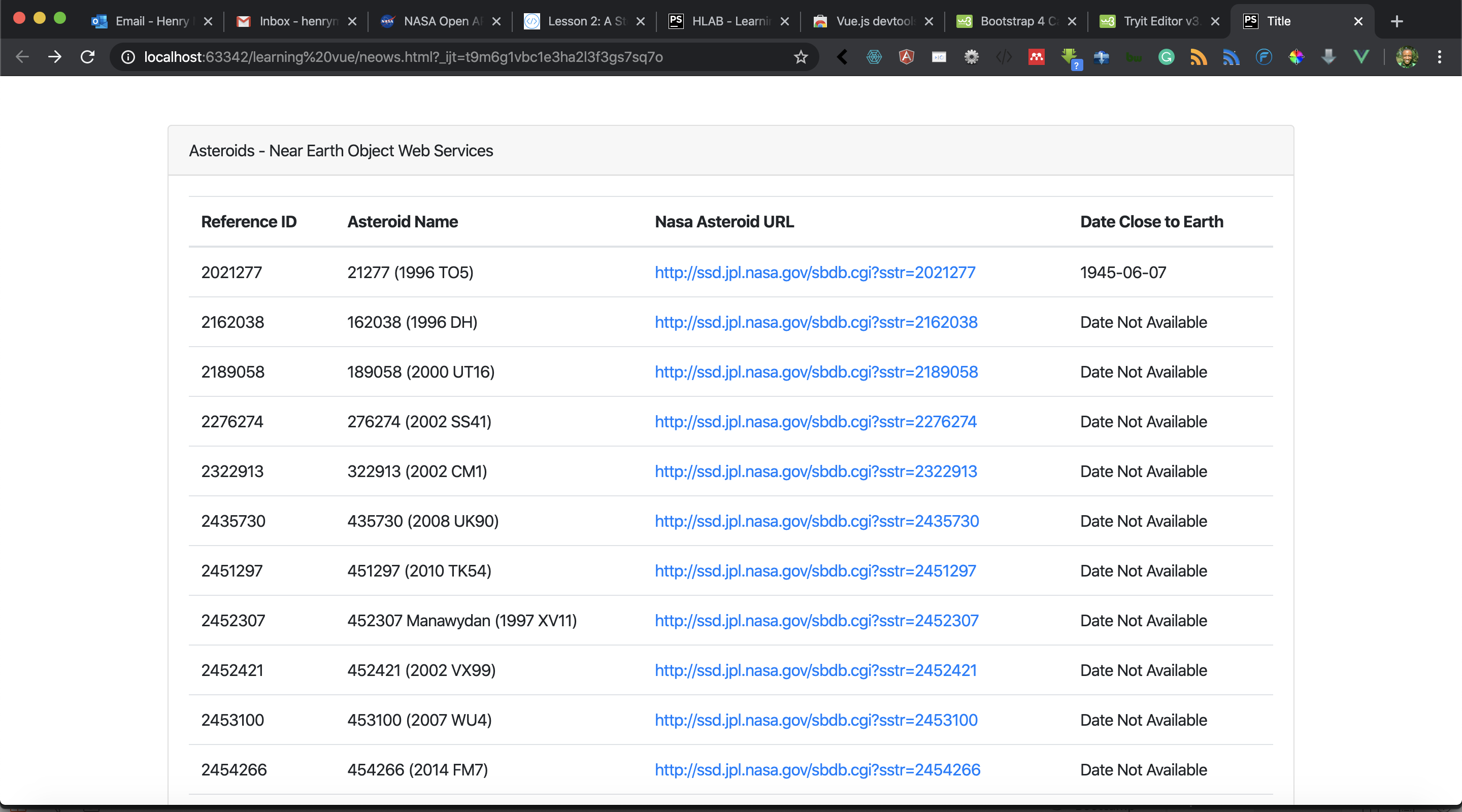
Use the Vue.js v-for directive to render a list of near-Earth asteroids from the NASA NeoWs API in an HTML page, with data fetched through Axios.
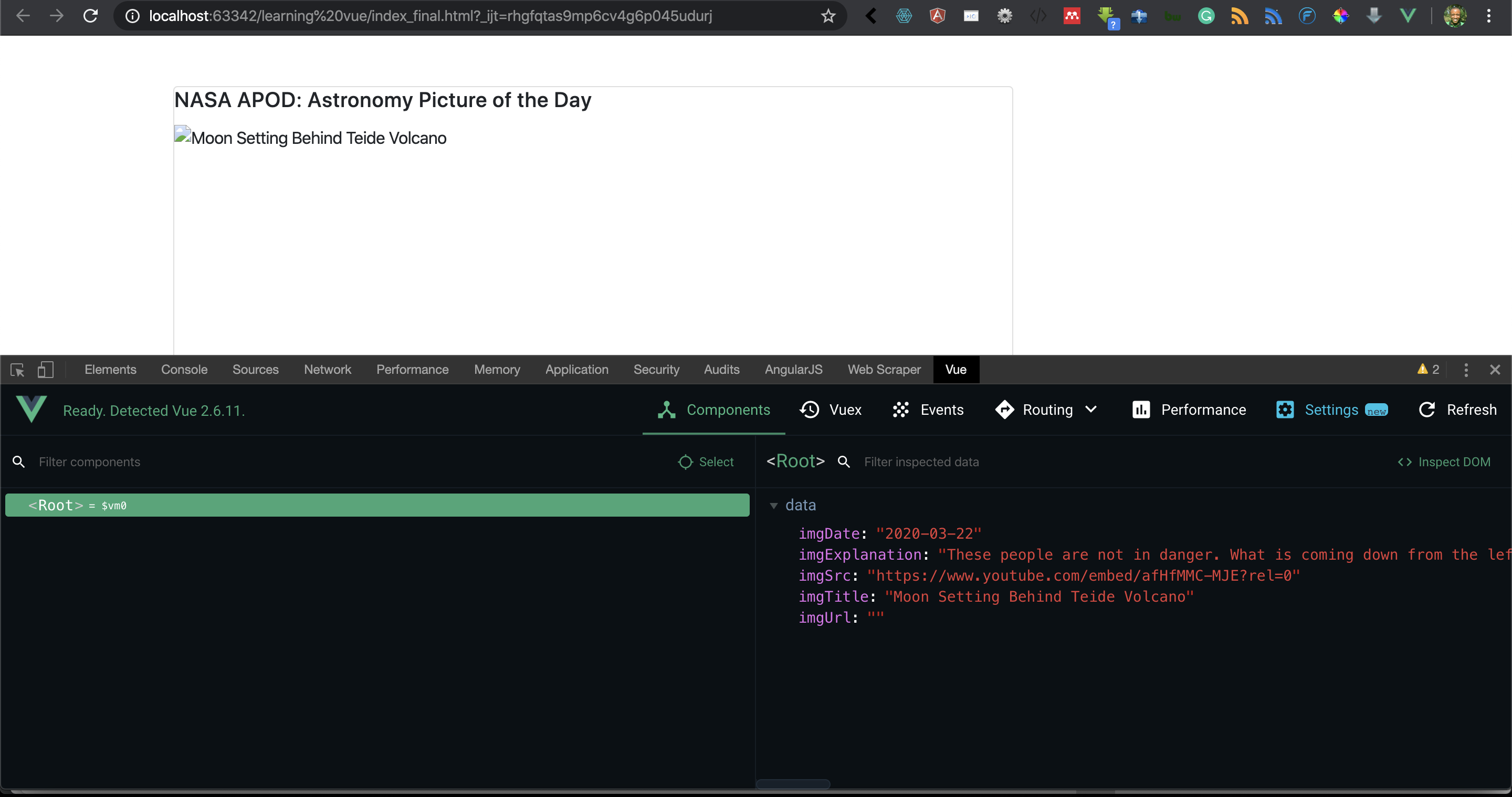
Refactor the Vue.js code that consumes the NASA APOD API into cleaner methods, and inspect component data with the Vue.js devtools browser extension.
Fetch data from the NASA Astronomy Picture of the Day API with Vue.js 2.6 and Axios, and display the image, title, and explanation on a web page.
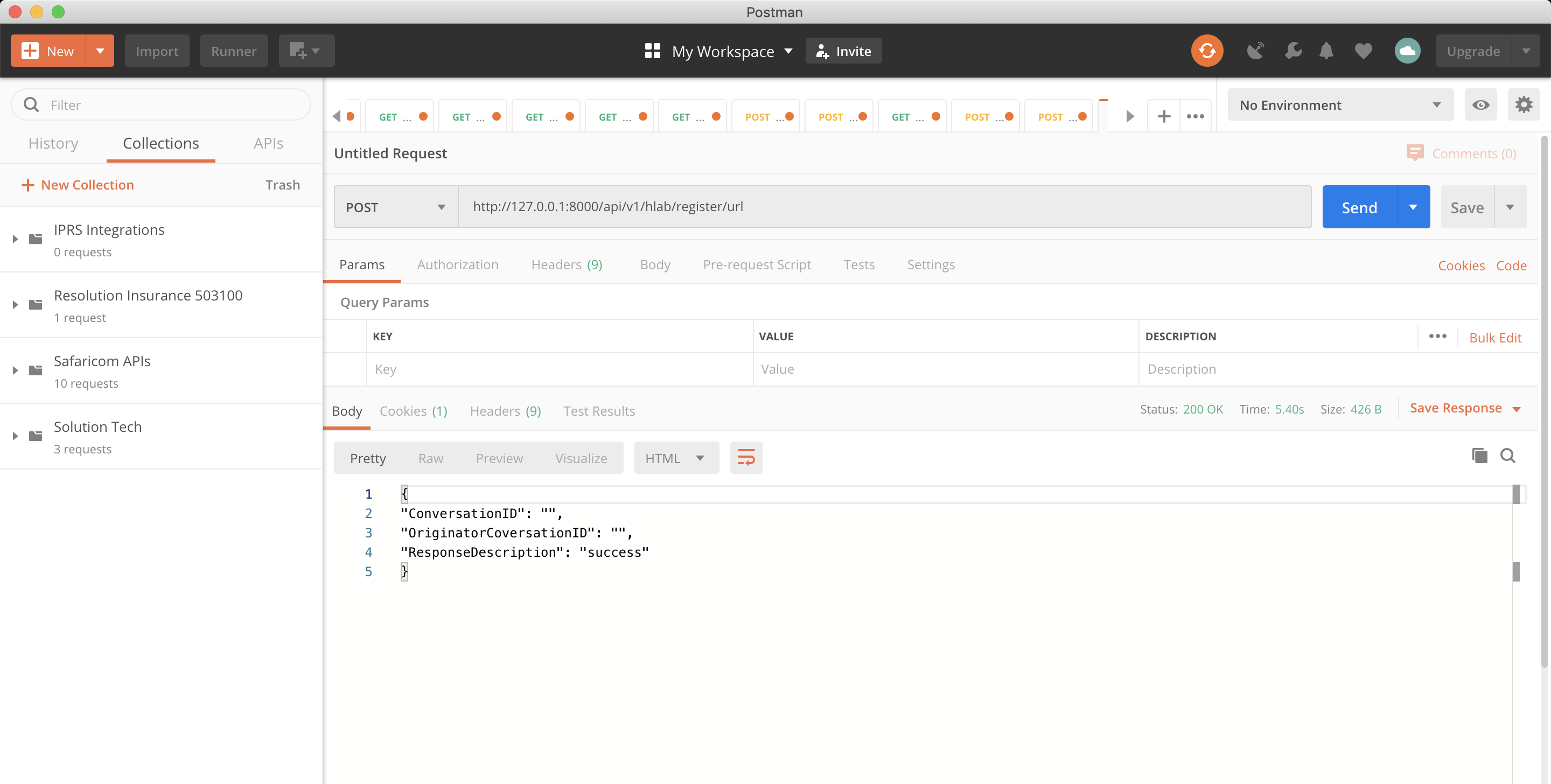
Register validation and confirmation URLs for M-Pesa C2B payments on the Safaricom Daraja API with Laravel 6.9, and handle the callbacks Safaricom sends.
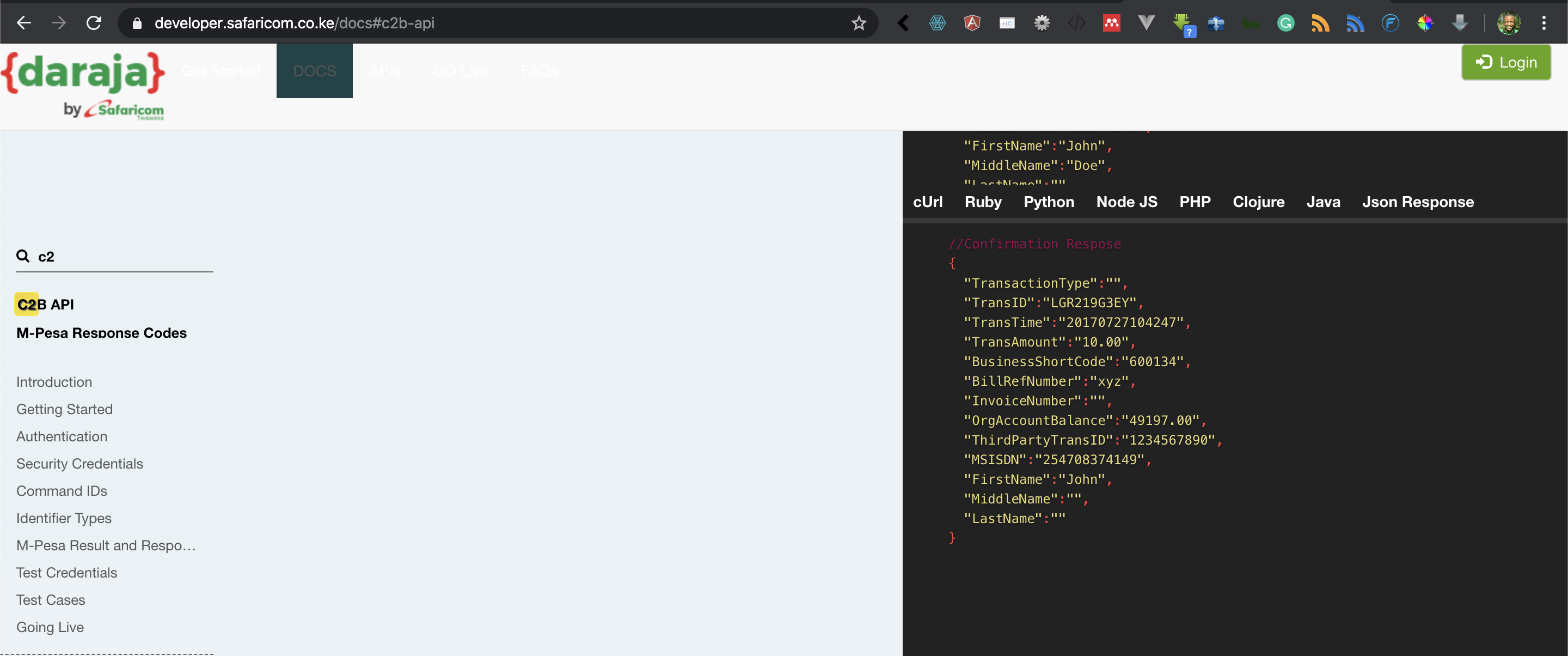
Build an M-Pesa customer-to-business (C2B) integration on the Safaricom Daraja API with Laravel 6.9, and store payment transactions in your database.
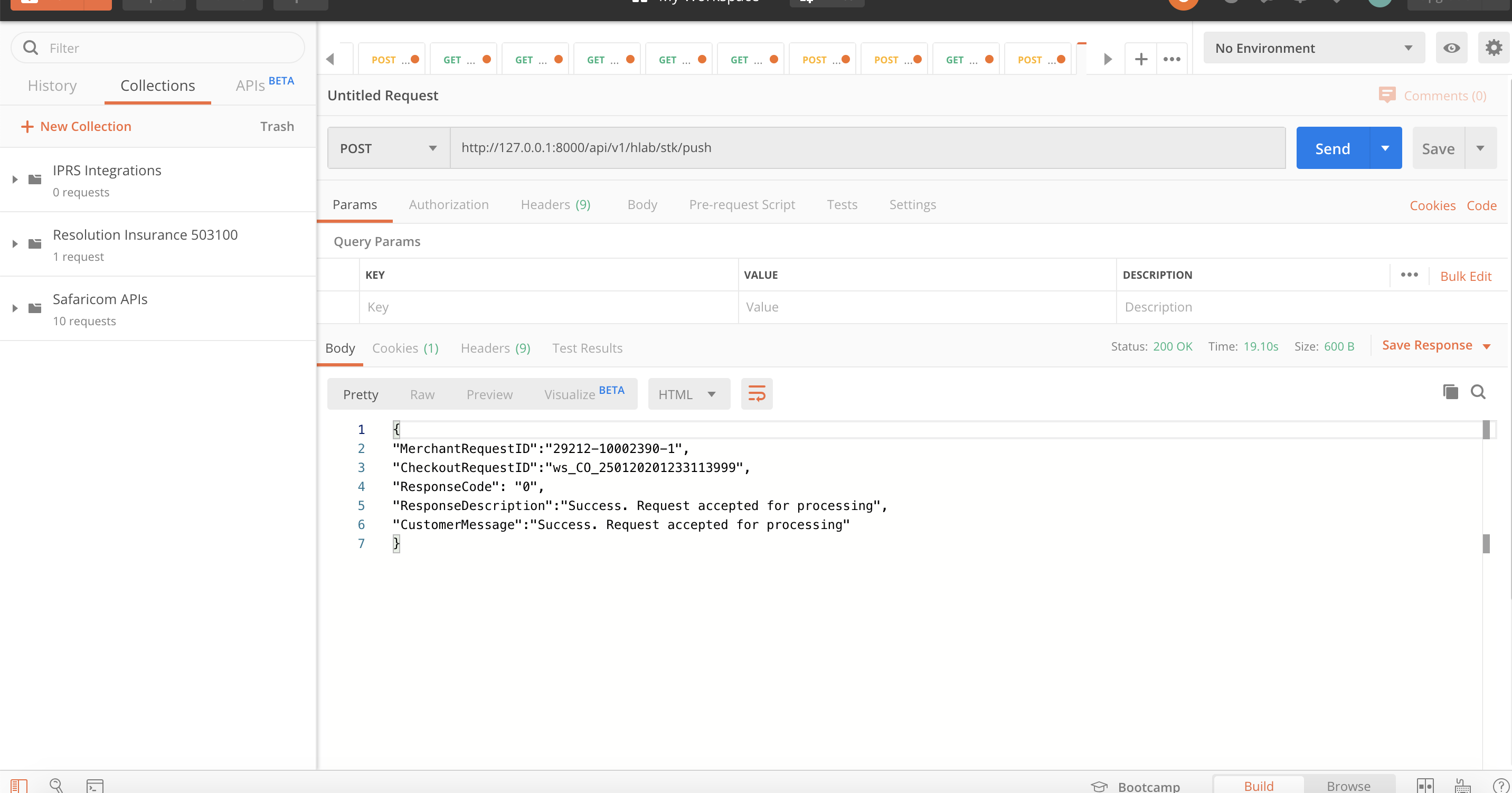
Send an M-Pesa STK push payment request to a customer's phone from Laravel 6.9 with the Safaricom Daraja API, including access token generation.
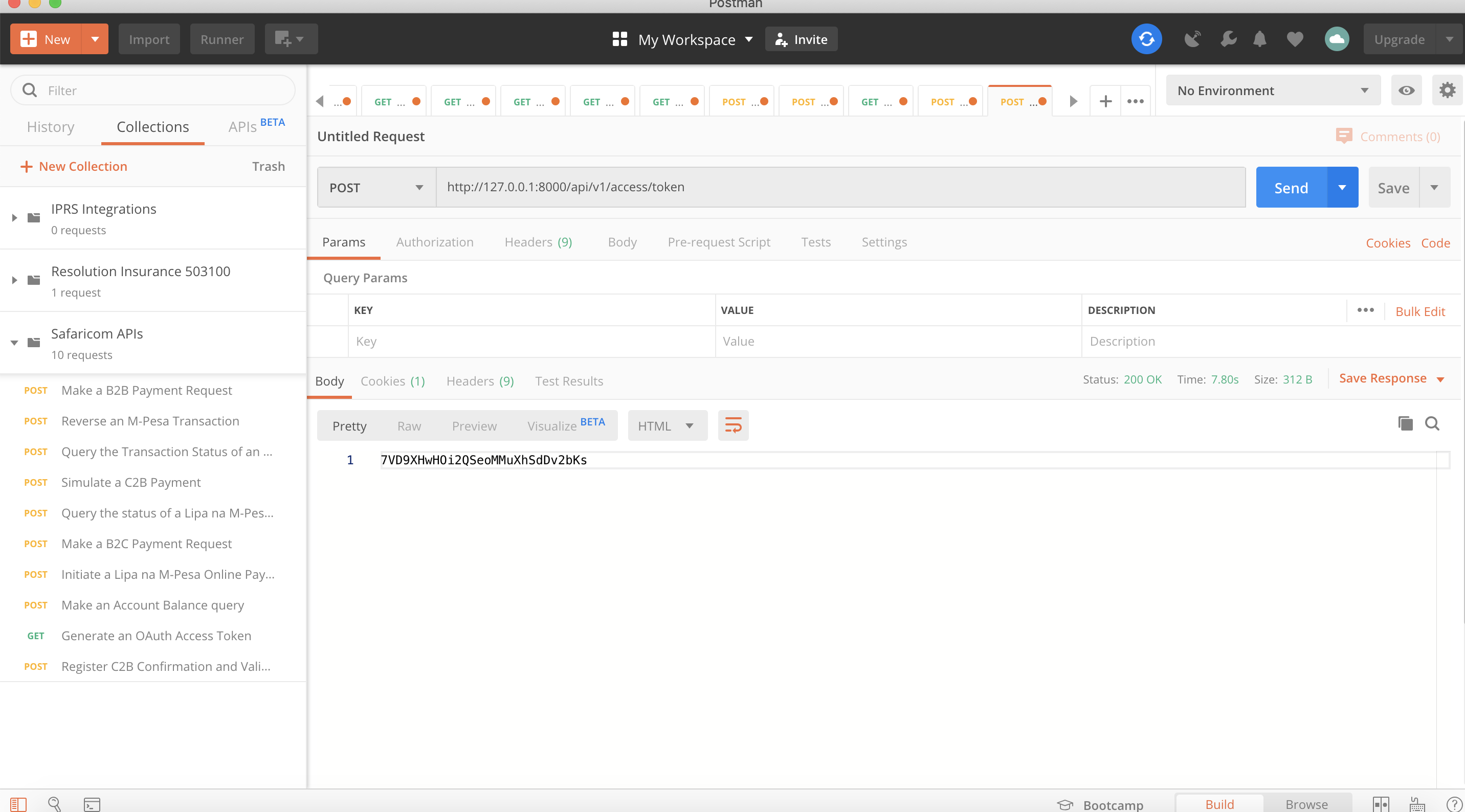
Start integrating the Safaricom M-Pesa Daraja API with Laravel 6.9: learn how M-Pesa works, create a developer account, and add a sandbox app.
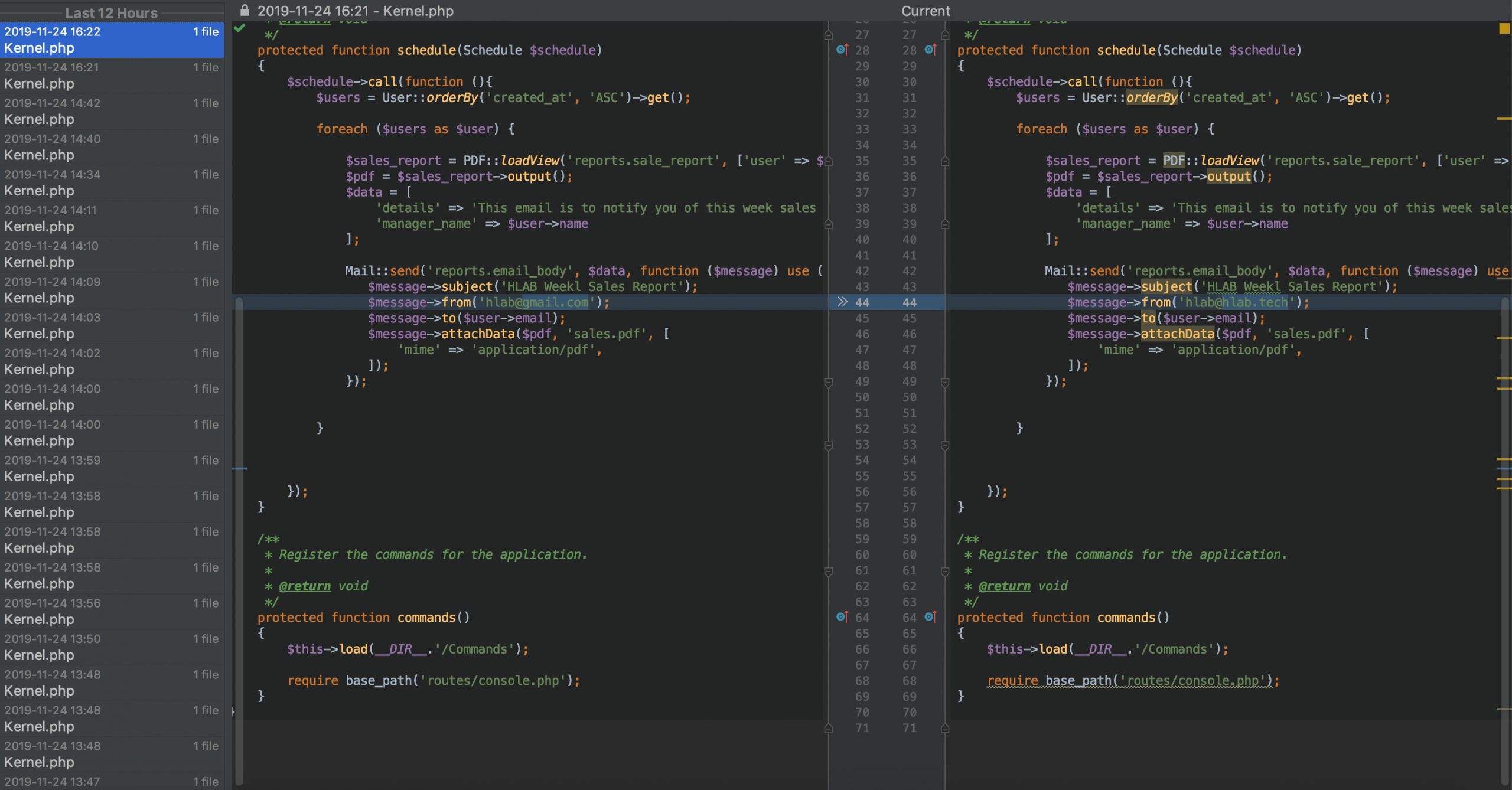
Schedule a Laravel 6.5 task that generates a PDF report with DOMPDF and emails it as an attachment, so management reports send themselves on time.
Add business logic to a USSD menu built with Laravel 5.8 and Africa's Talking, so each option a user picks leads to the right next screen.
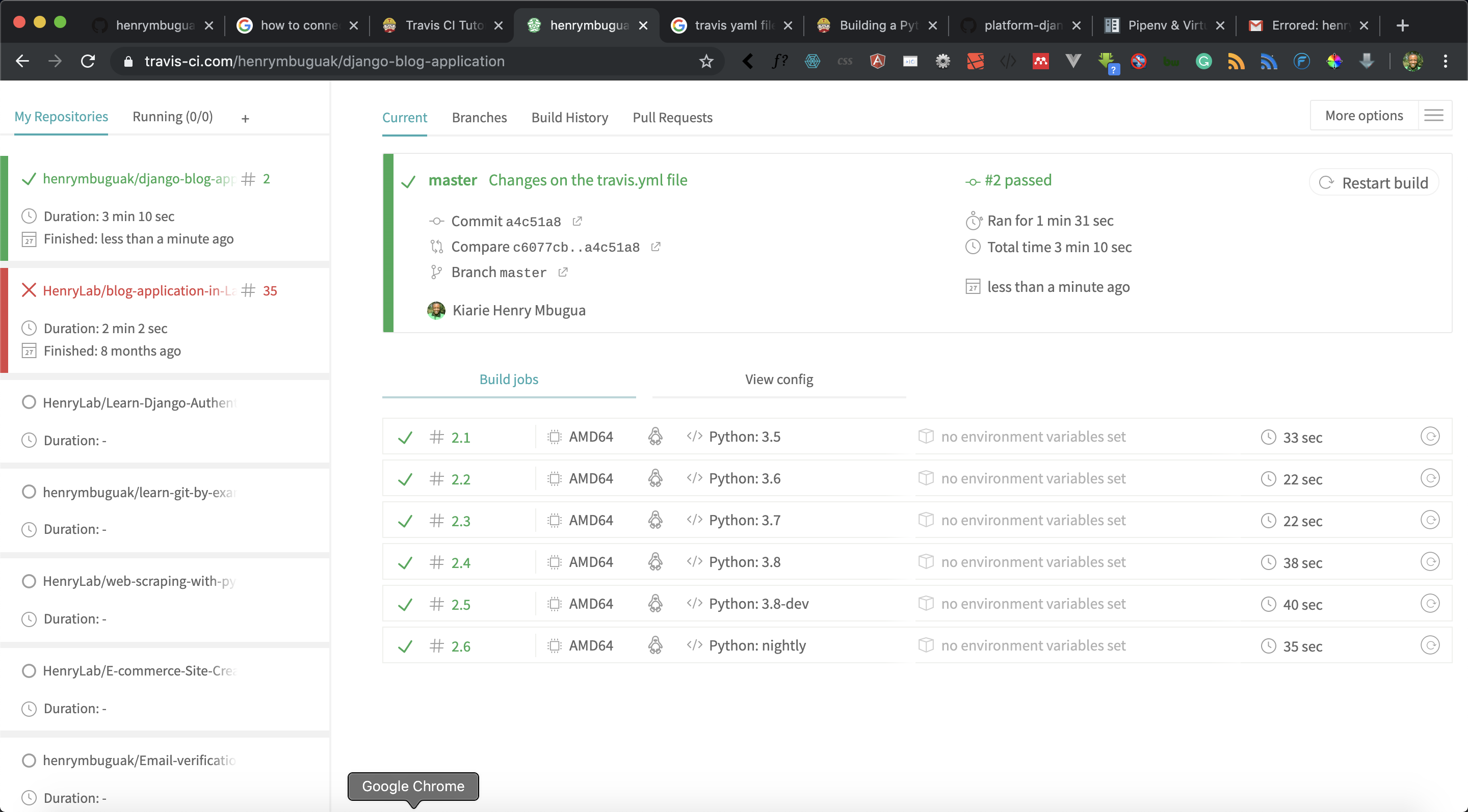
Connect a Django 2.2 GitHub repository to Travis CI so your test suite runs on every push, and catch failing tests before they reach production.
Build a USSD menu that works on any mobile phone, including feature phones, with the Africa's Talking gateway and Laravel 5.8.
Gather requirements as user stories, learn how functional tests differ from unit tests, and start the Django 2.2 blog that you build with TDD.
Learn what test-driven development is and why writing failing tests first helps you build Django applications that keep working as they change.
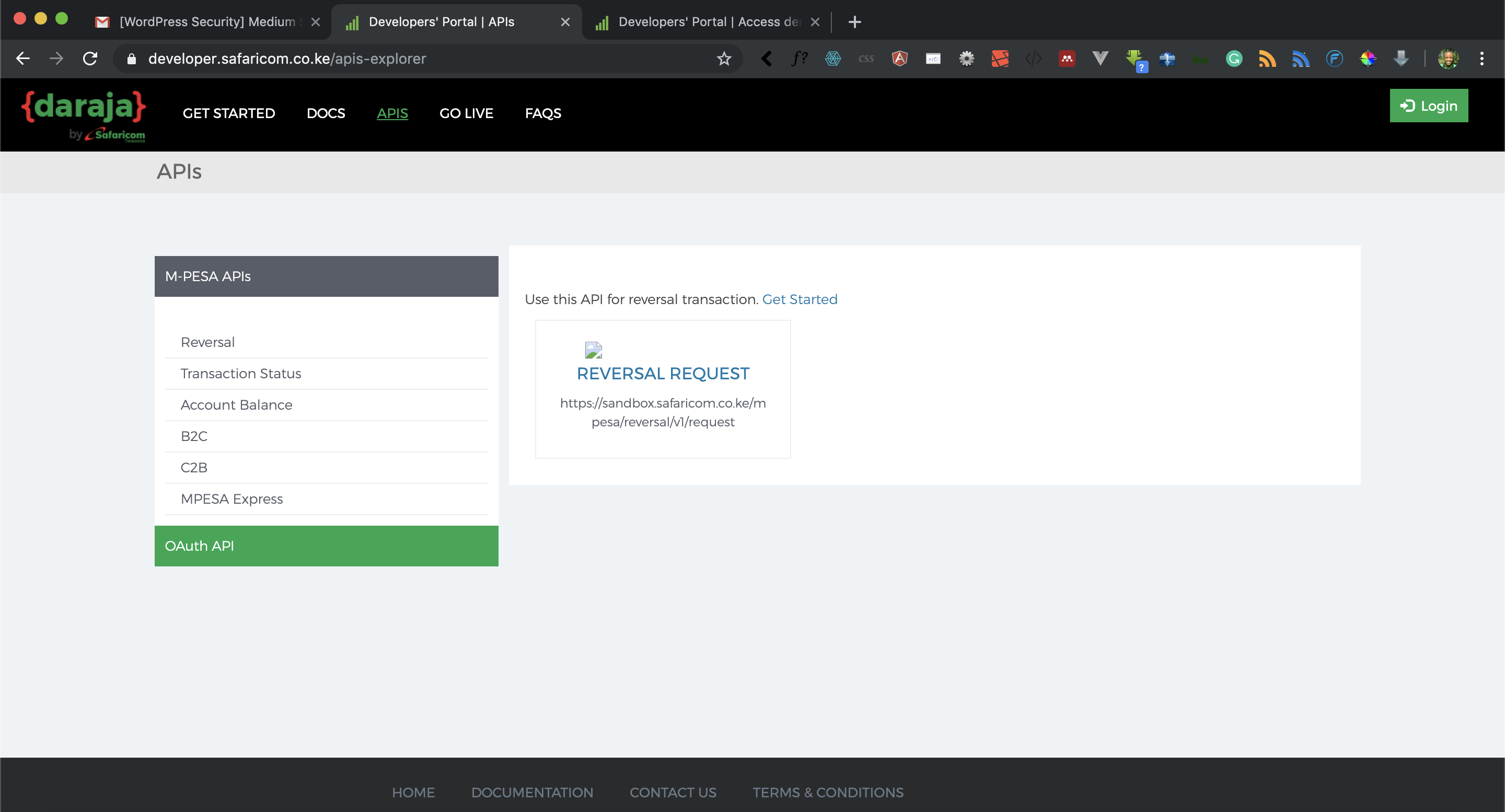
Fix the 409 conflict error that M-Pesa returns when you register C2B confirmation and validation URLs on the Safaricom Daraja sandbox from Django 2.2.
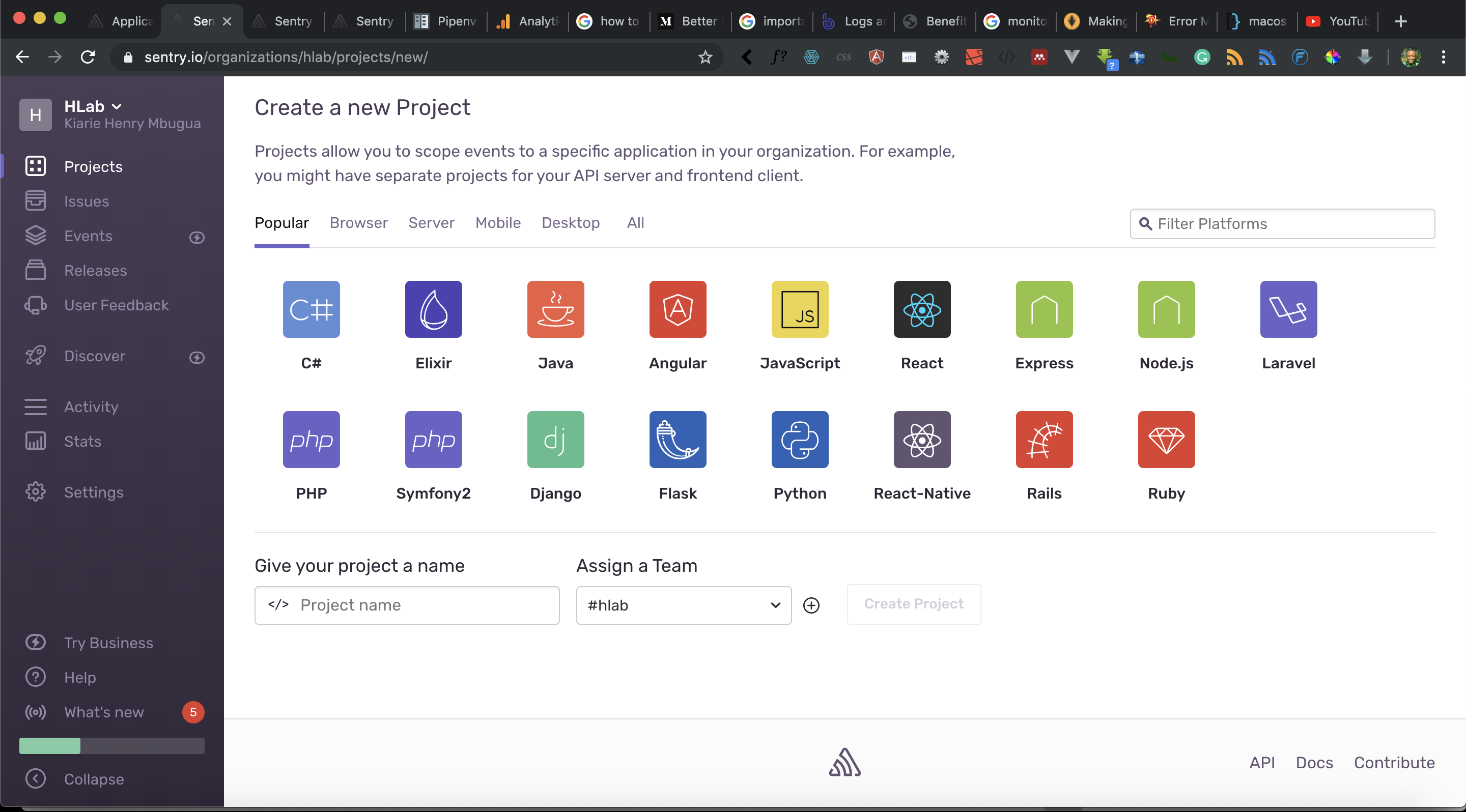
Add Sentry to a Django web application to catch, track, and prioritize production errors in real time, instead of waiting for users to report them.
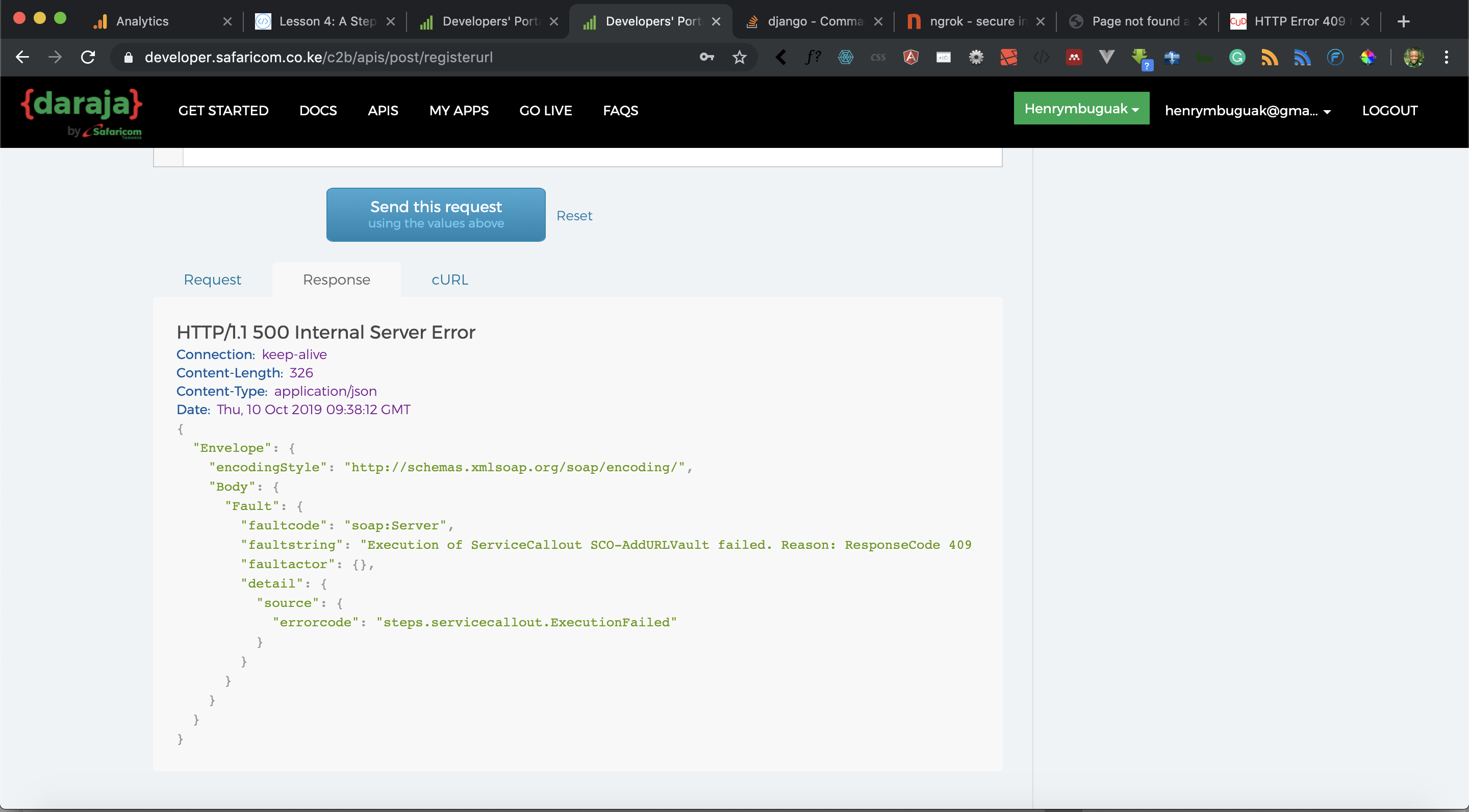
Register M-Pesa C2B confirmation and validation URLs on the Safaricom Daraja API from Django 2.2, and build the views that receive payment callbacks.
Create the Django 2.2 models and migrations that store M-Pesa payments, and start building a customer-to-business (C2B) integration on Daraja.
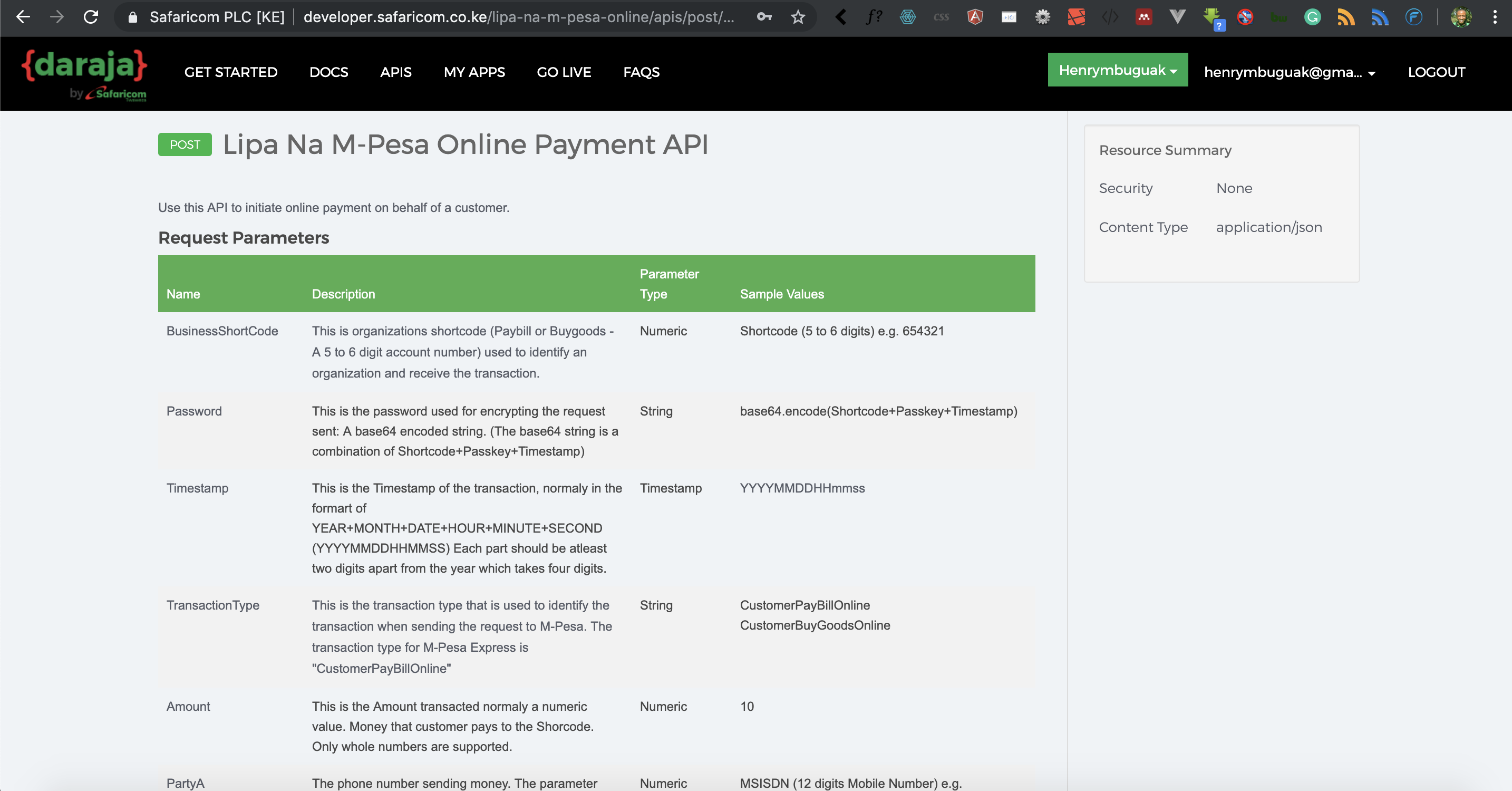
Send an M-Pesa STK push (Lipa na M-Pesa Online) payment request to a customer's phone from Django 2.2 with the Safaricom Daraja API.
Generate an OAuth access token for the Safaricom M-Pesa Daraja API from a Django 2.2 application, the first call every M-Pesa integration makes.
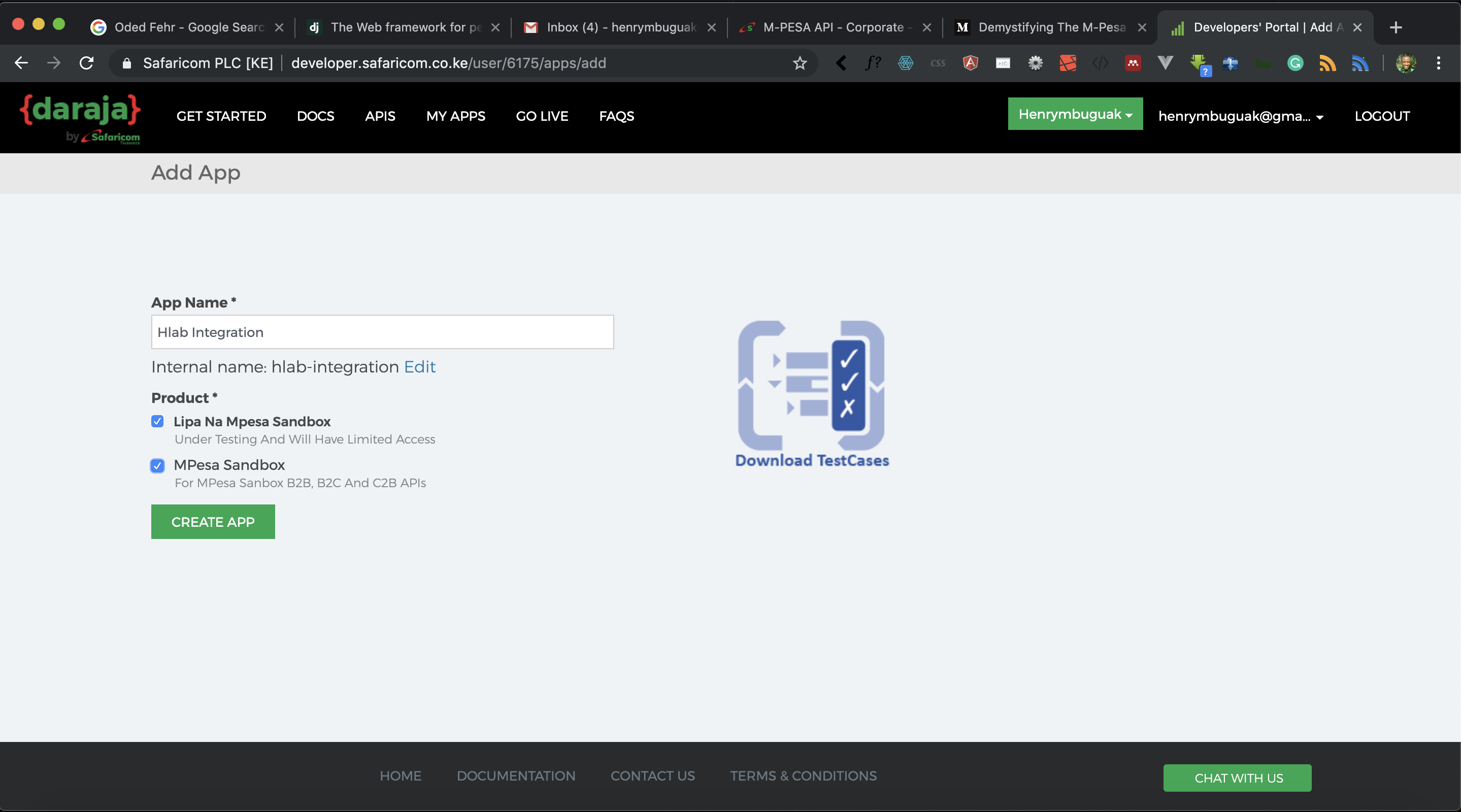
Start integrating the Safaricom M-Pesa Daraja API with Django 2.2: learn how M-Pesa works, create a developer account, and add a sandbox app.
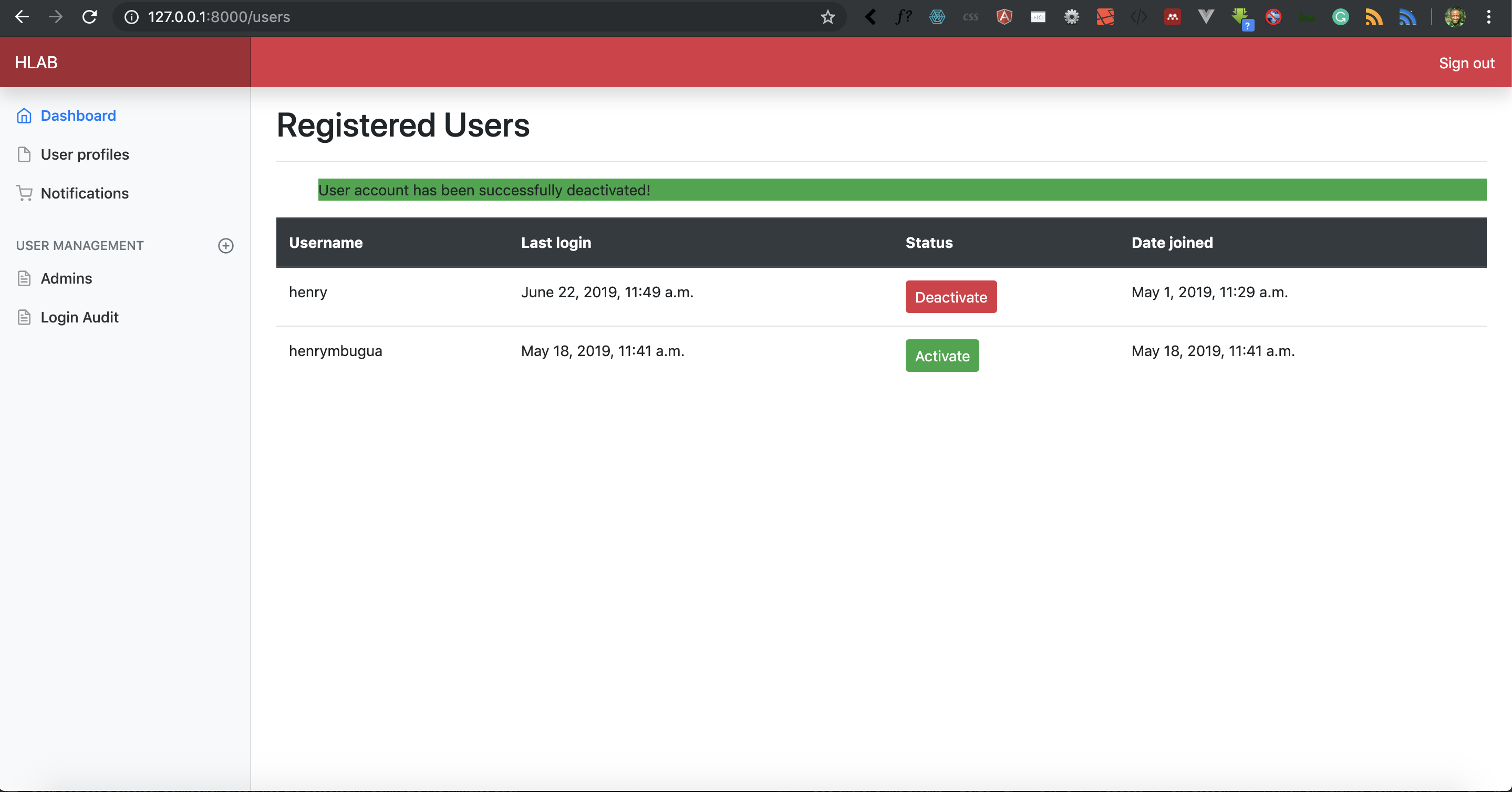
List registered users on a custom Django 2.2 dashboard, and let administrators activate or deactivate each account with a single click.
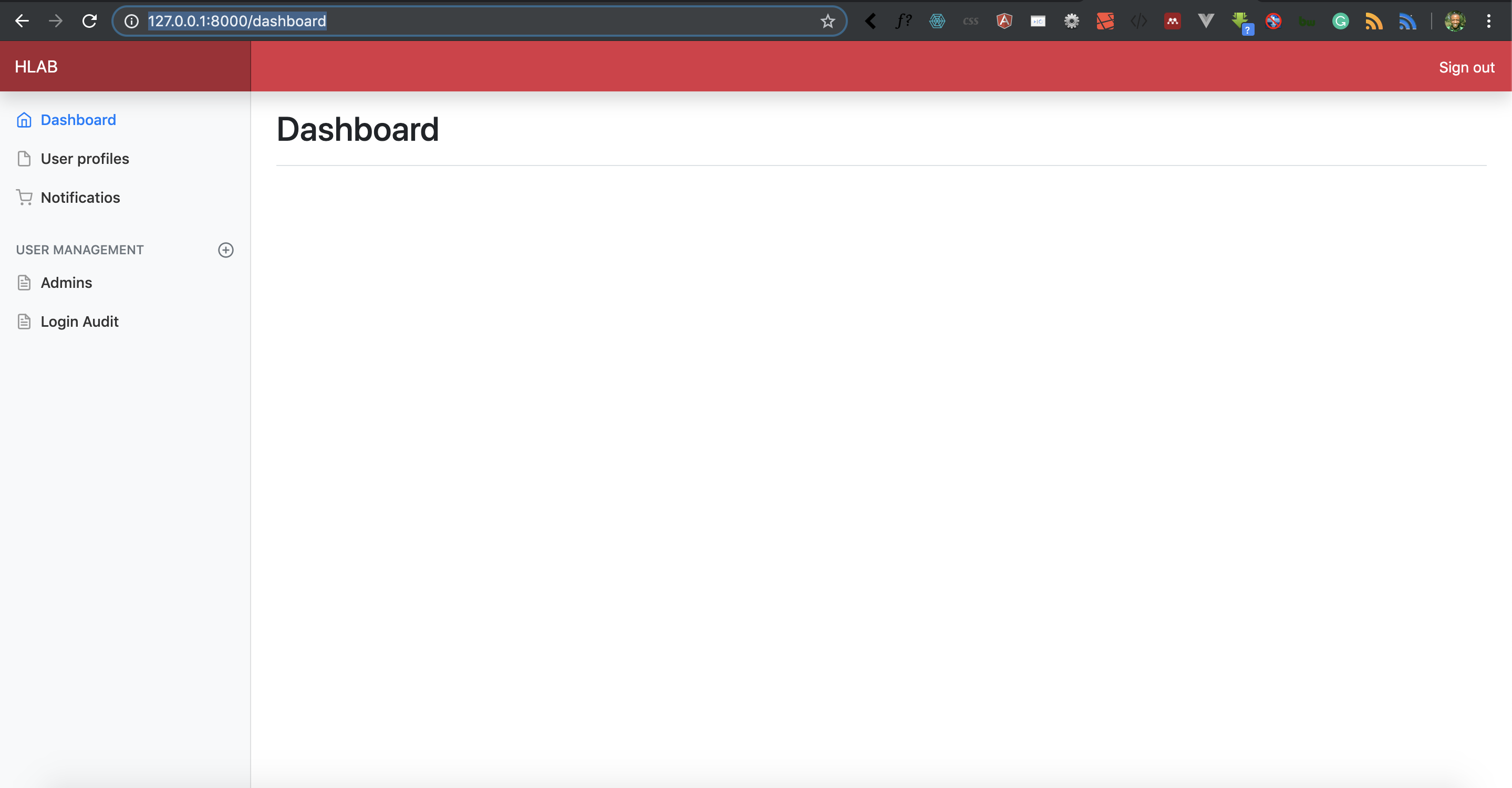
Build a custom dashboard in Django 2.2, redirect users there after they register, and add a sign-in view with the built-in authentication system.
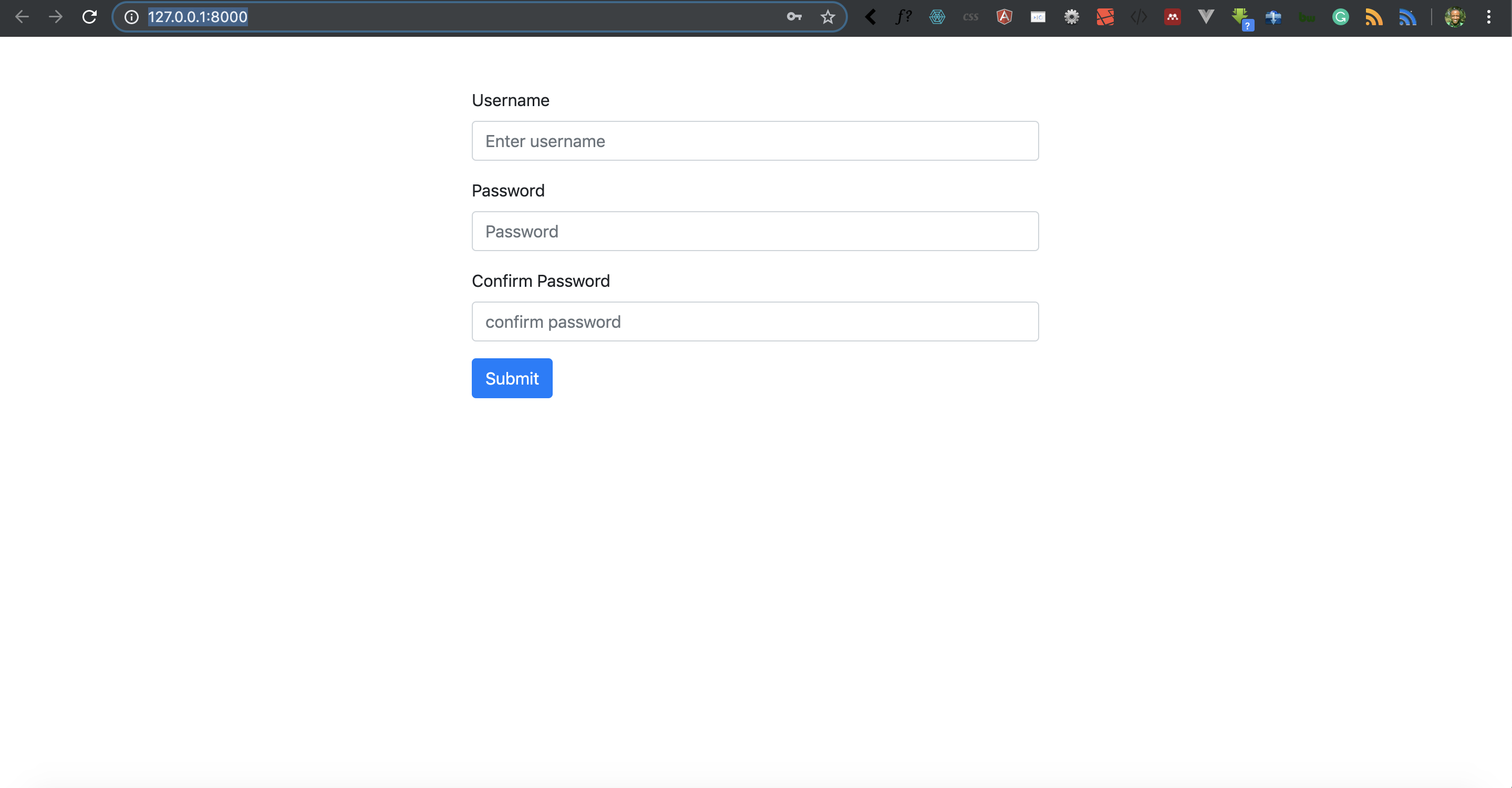
Style a Django 2.2 project with the Bootstrap front-end framework, and build a registration form that creates users with the built-in auth system.
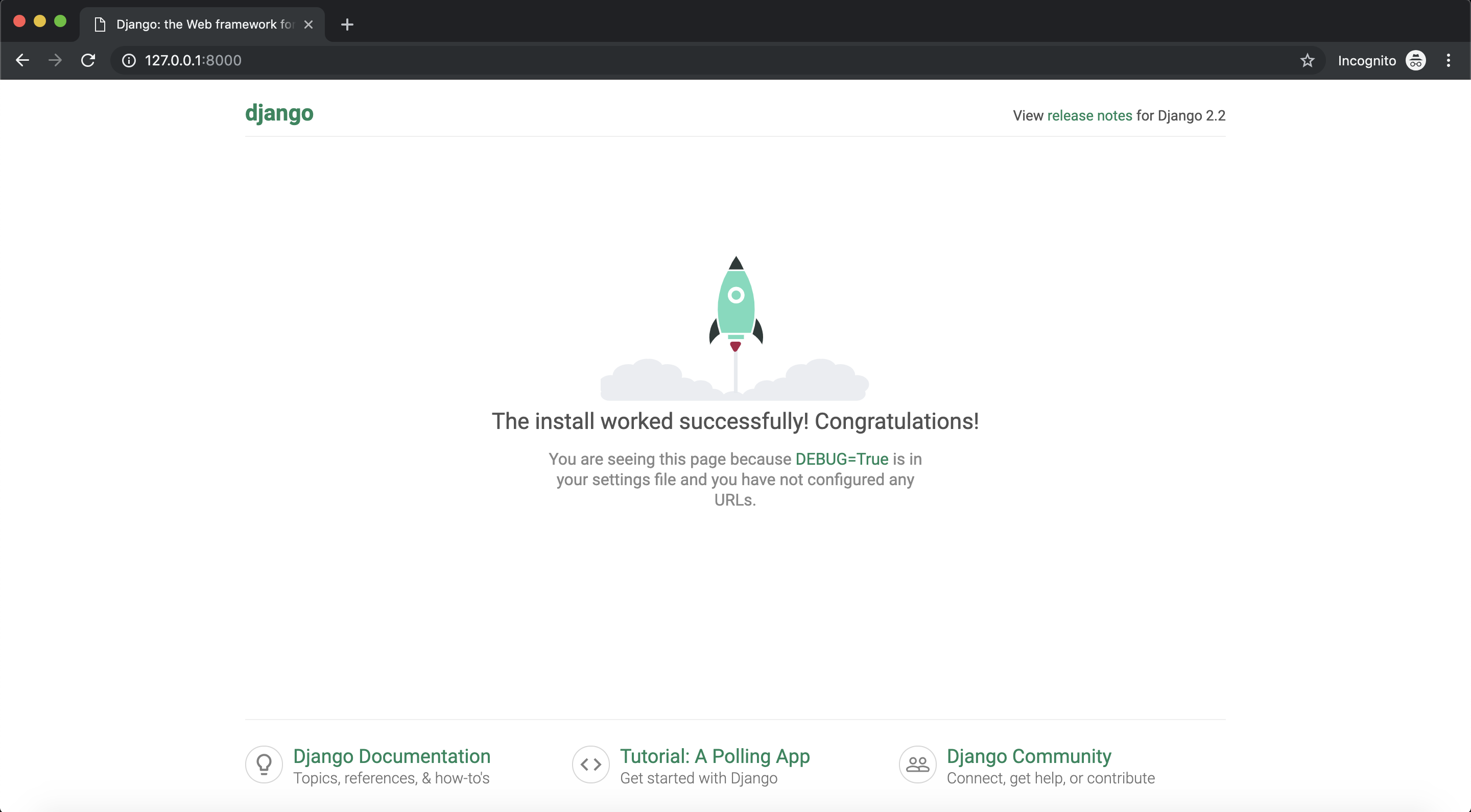
Set up a Django 2.2 project and learn how the built-in authentication system handles user accounts, permissions, sessions, and passwords.
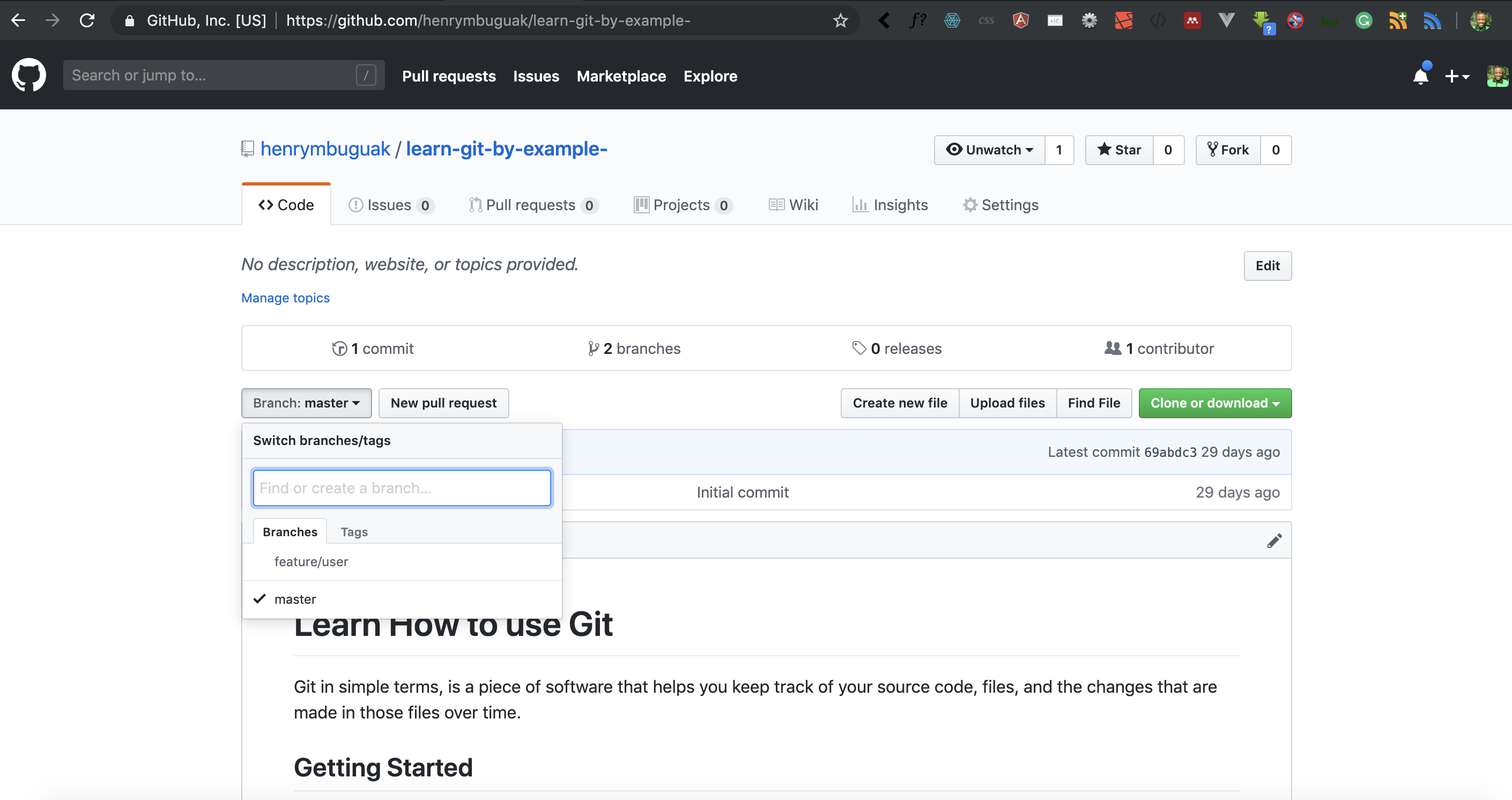
Learn what Gitflow is and why its branching model helps teams ship, then install it on Windows, Linux, or macOS and use it on a real Git project.
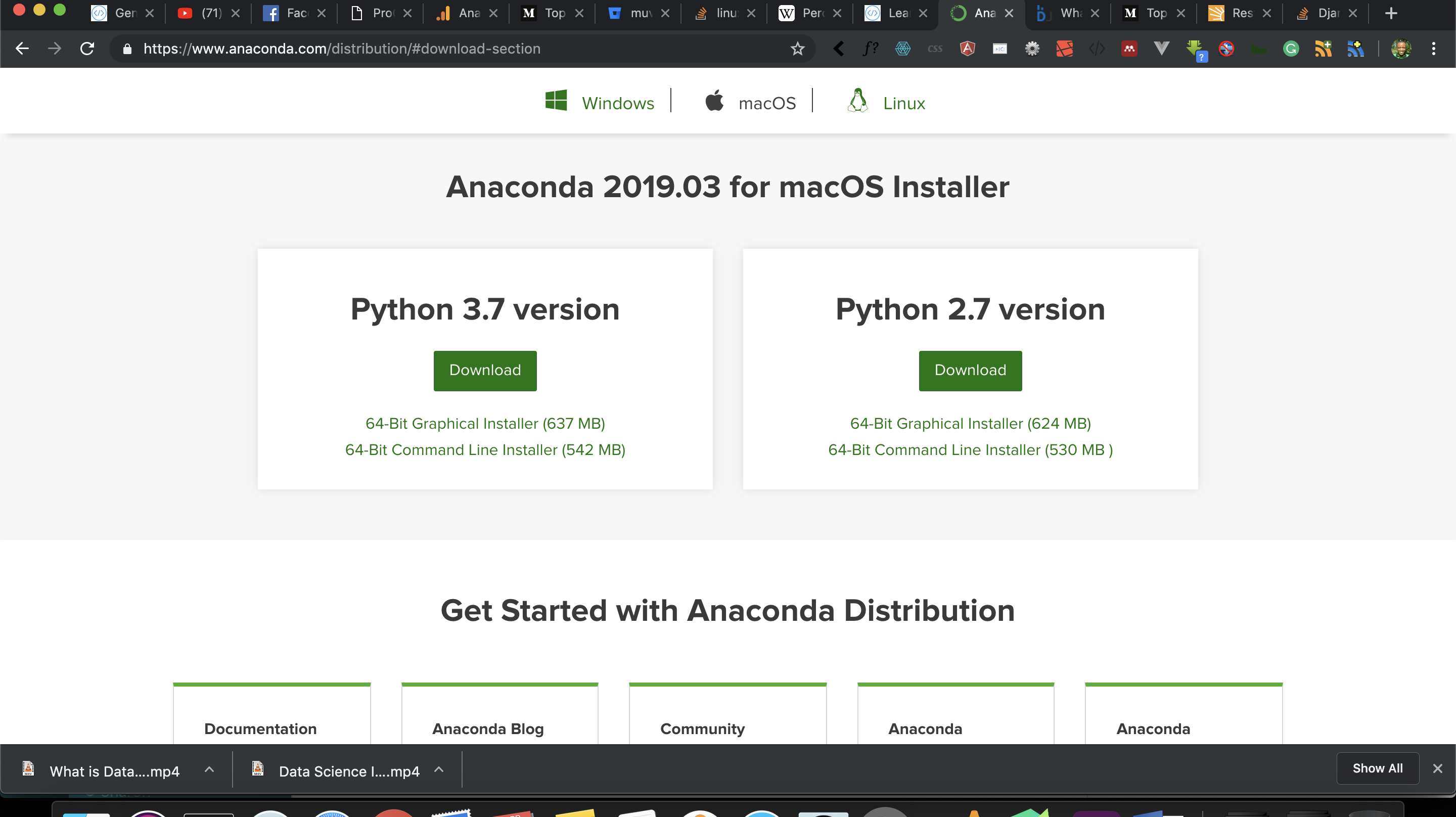
Learn what data science is, see how hotels and insurers use it to make decisions, and get started with the Python tools you need for data analysis.
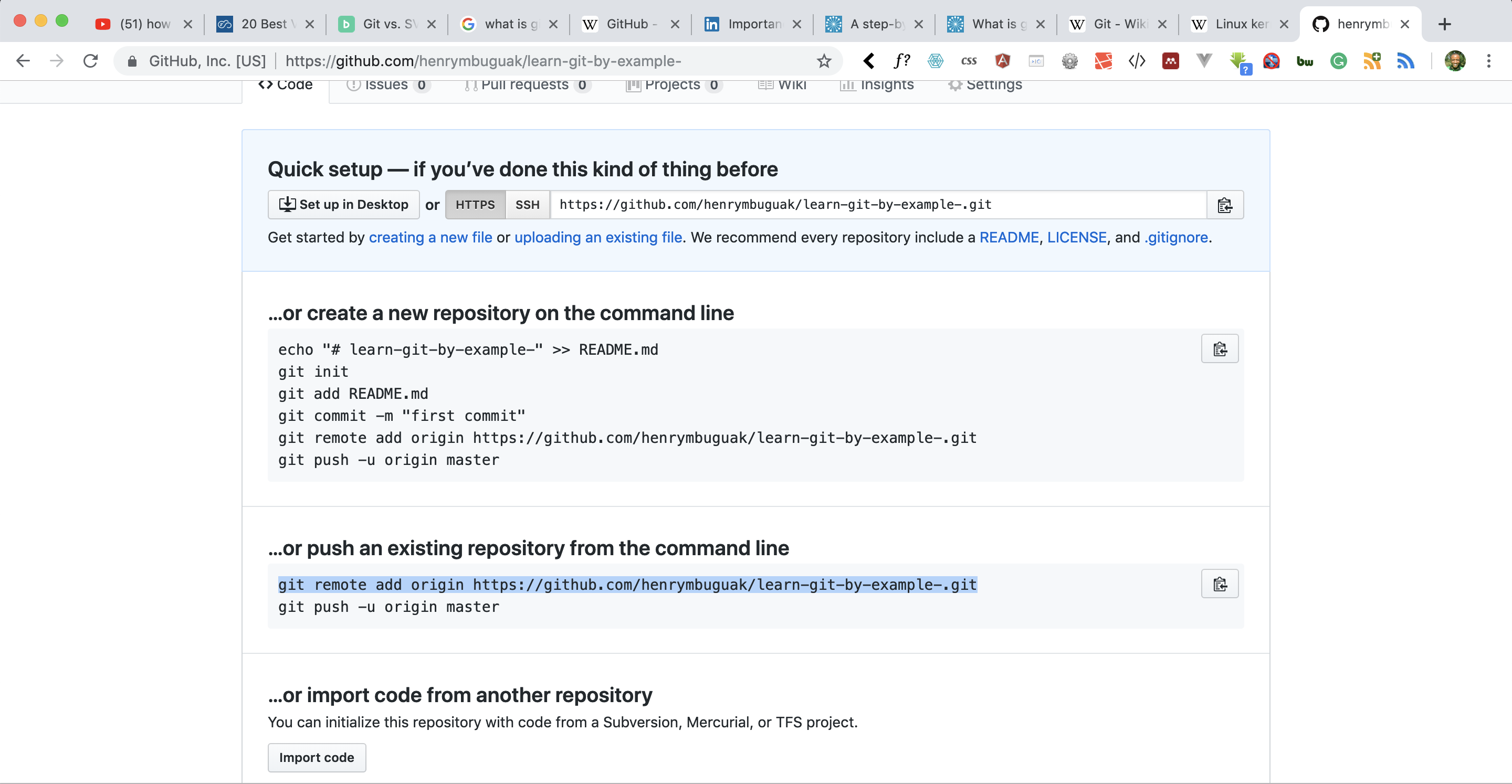
Learn what Git is and why version control matters, then create a repository, commit changes, and push your code to GitHub step by step.
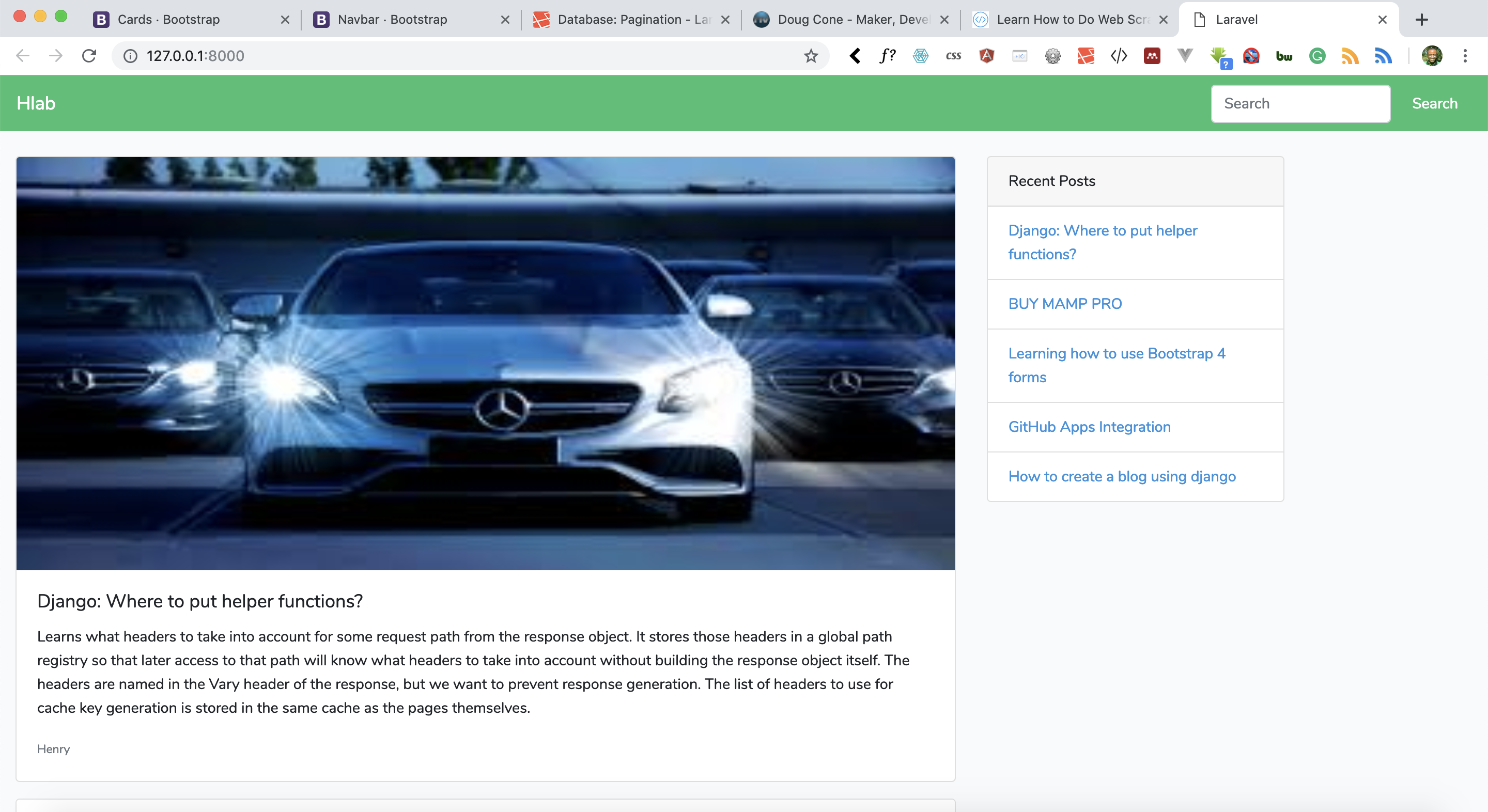
Build the public landing page for a Laravel 5.7 blog application, so site visitors can browse published posts and read each one in full.
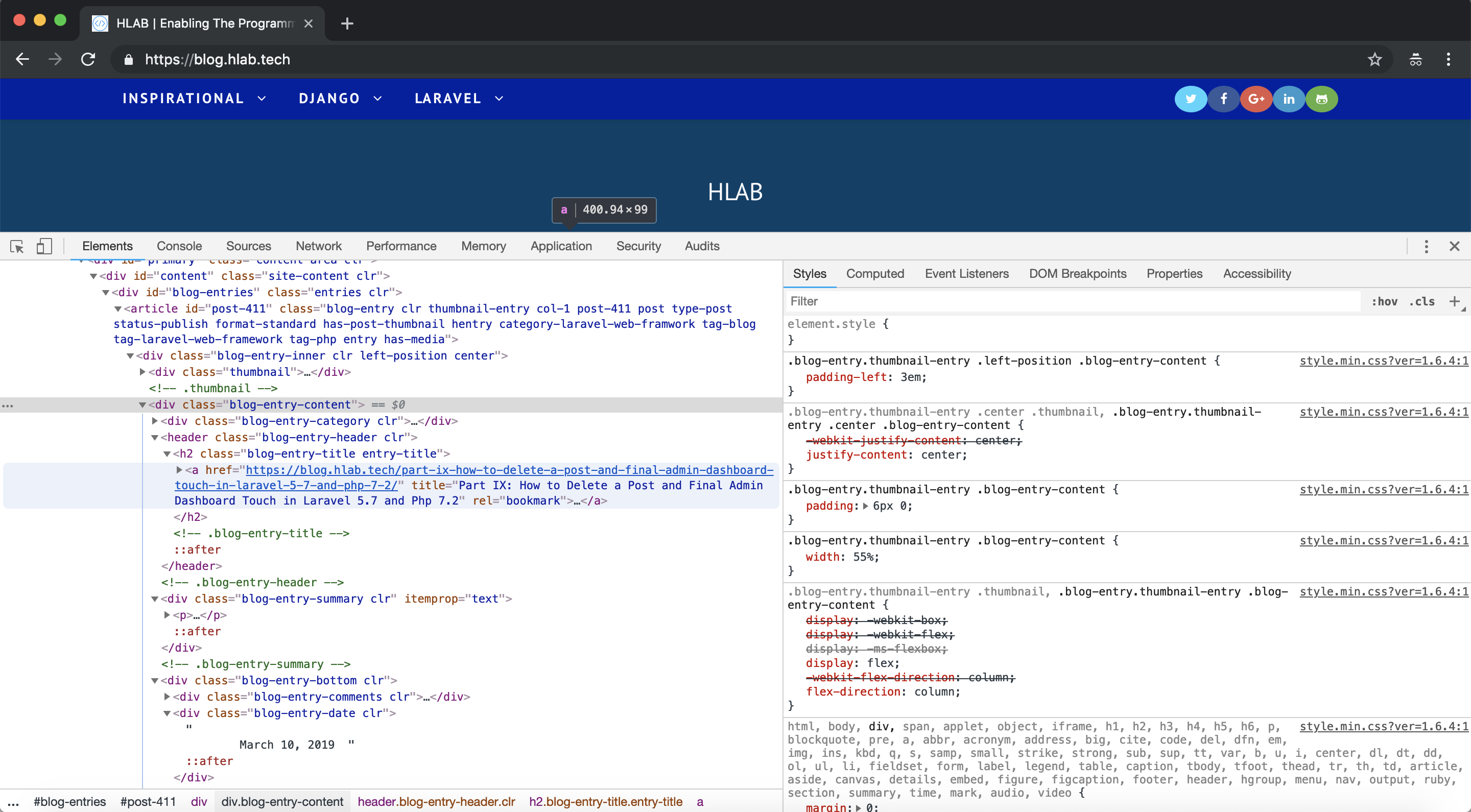
Scrape blog posts from a website with Python 3.7, Requests, and Beautiful Soup 4, then write the titles and links you extract to a CSV file.
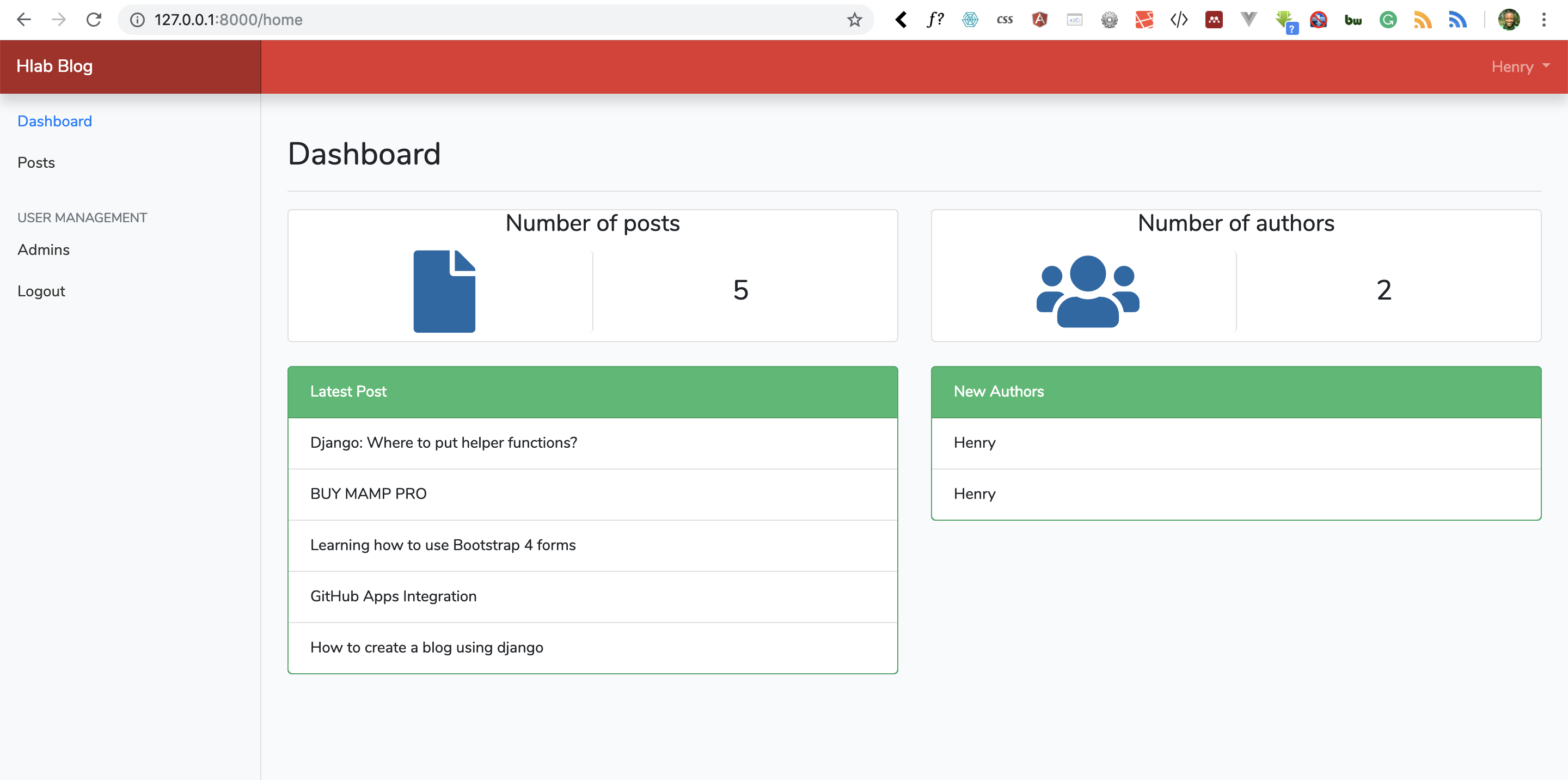
Let authors delete posts from the admin dashboard of a Laravel 5.7 blog application, with a delete route, a controller method, and Eloquent.
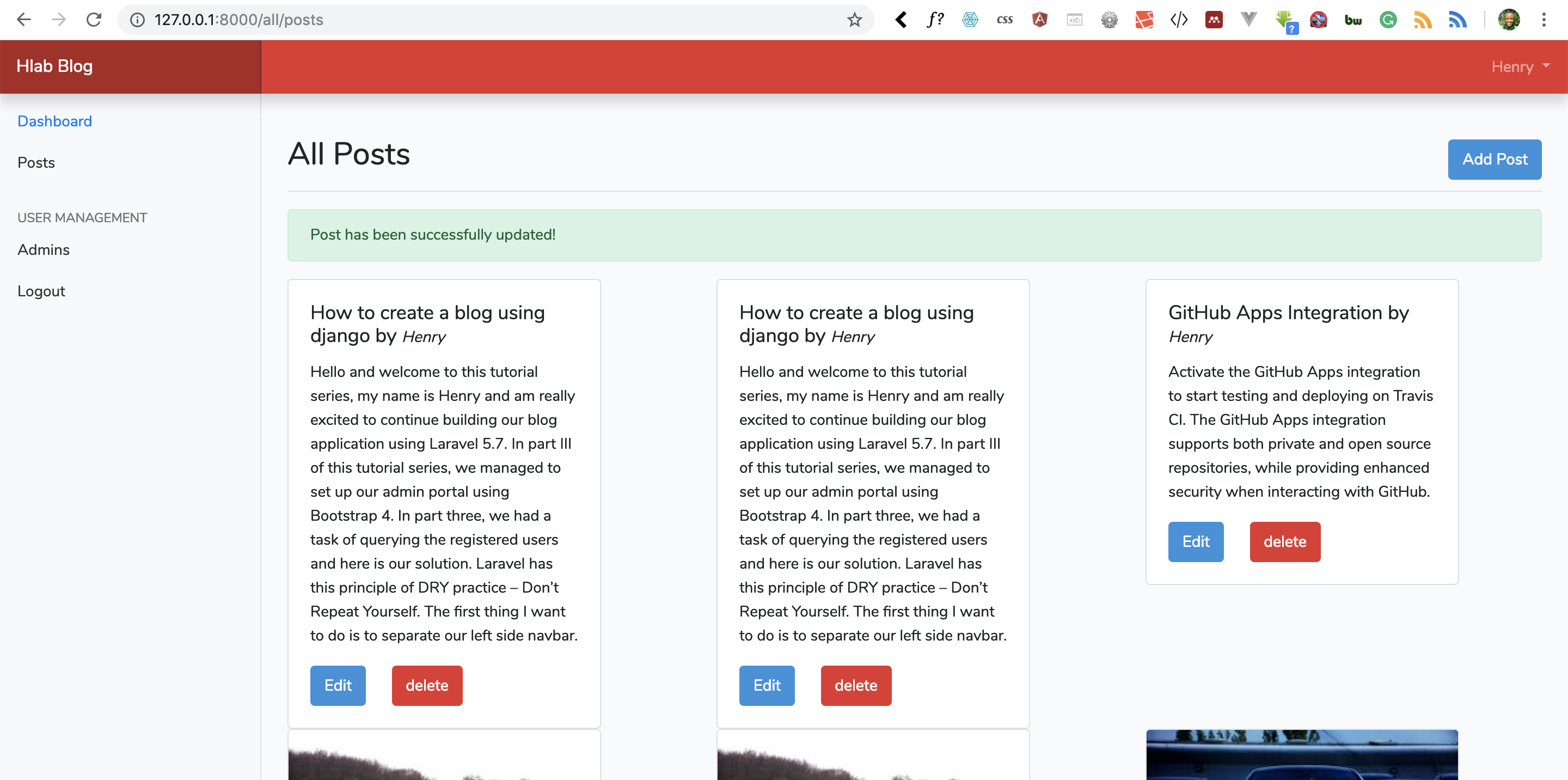
Let authors edit and update existing posts in a Laravel 5.7 blog application, with a prefilled form, validation, and an update route.
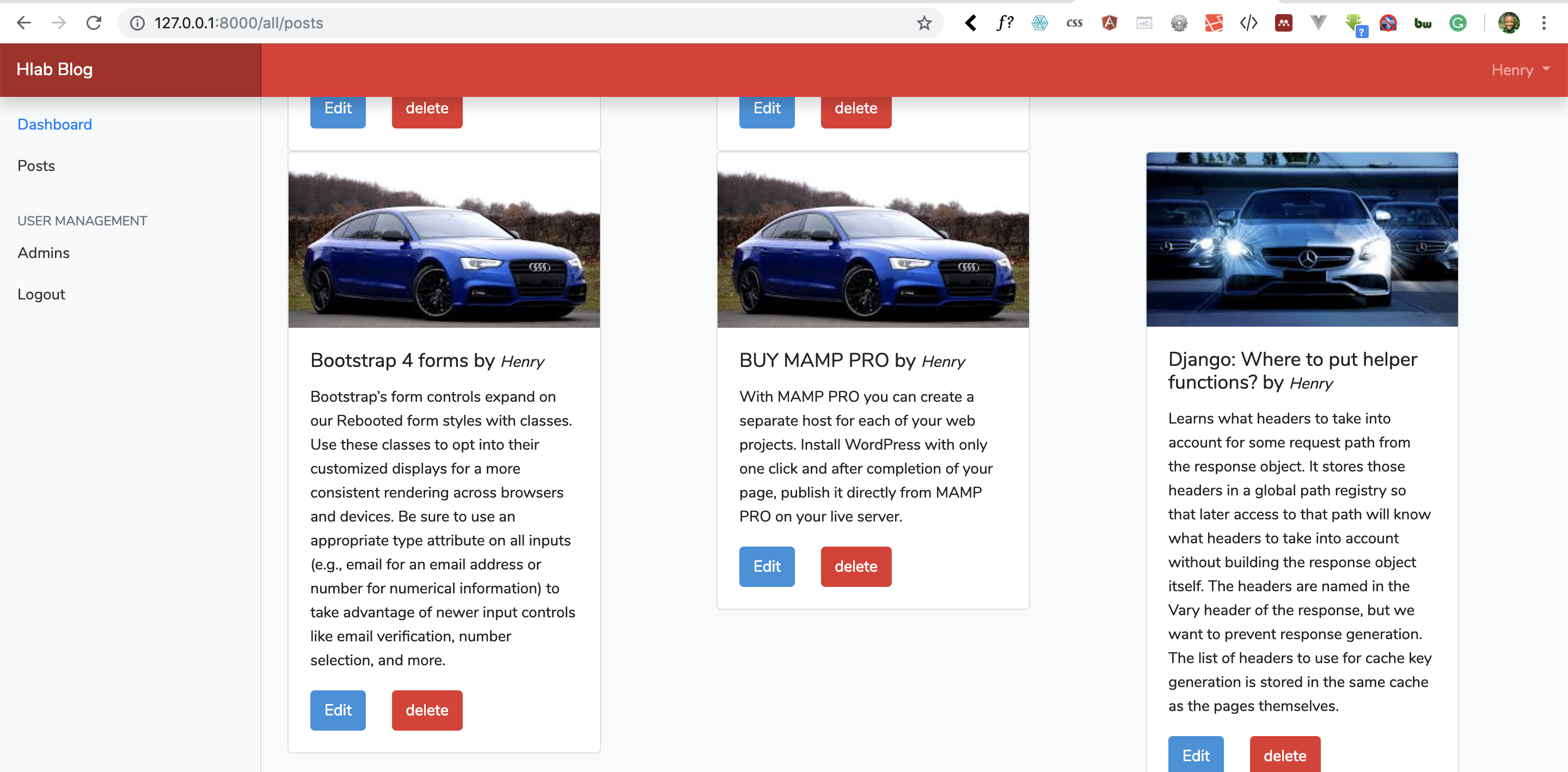
Add image uploads to a Laravel 5.7 blog: validate the file, store it on disk, save its path with the post, and display the image on the page.
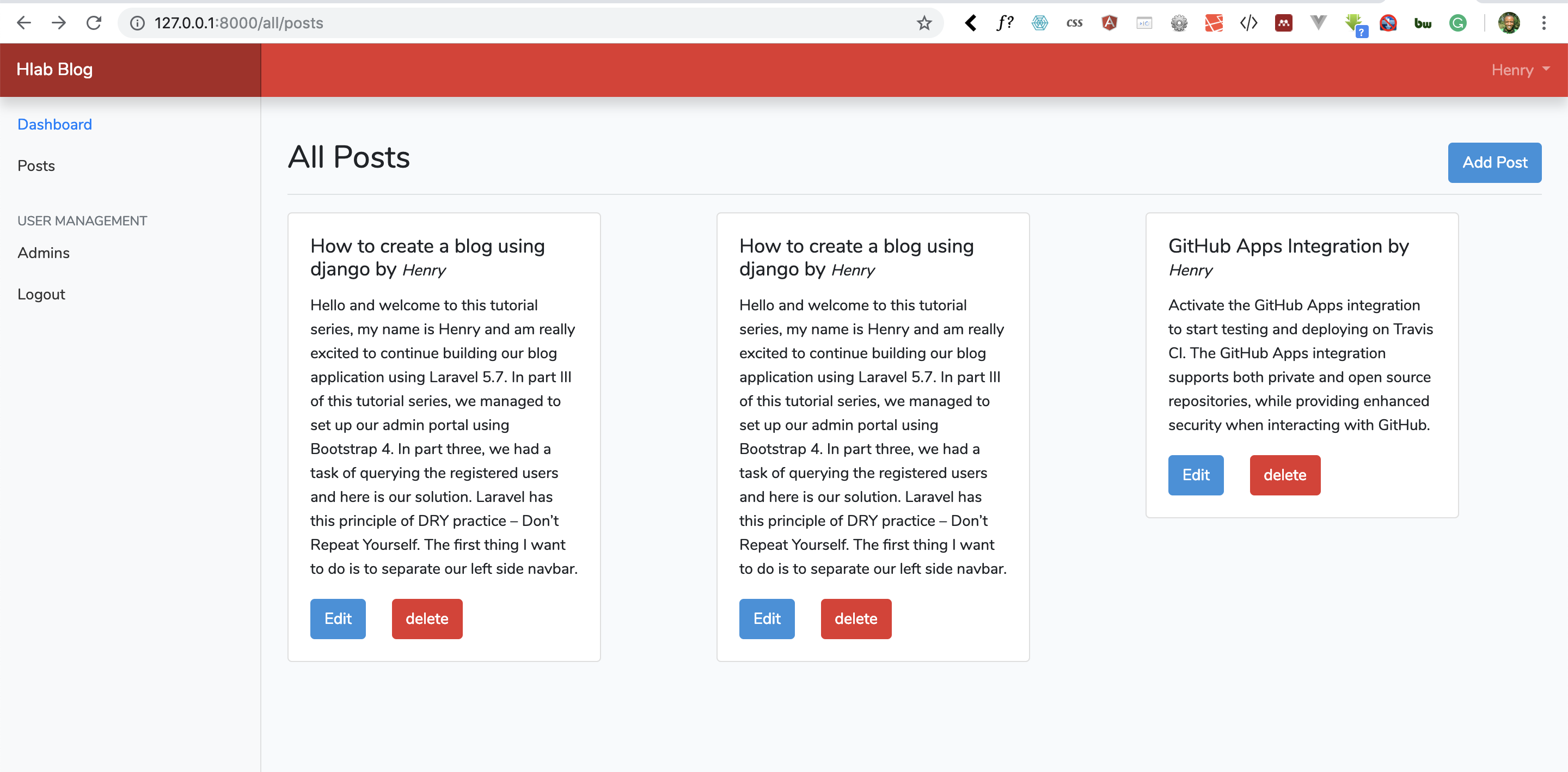
Validate and save new blog posts with Eloquent in Laravel 5.7, then show a success message and list the stored posts in the admin dashboard.
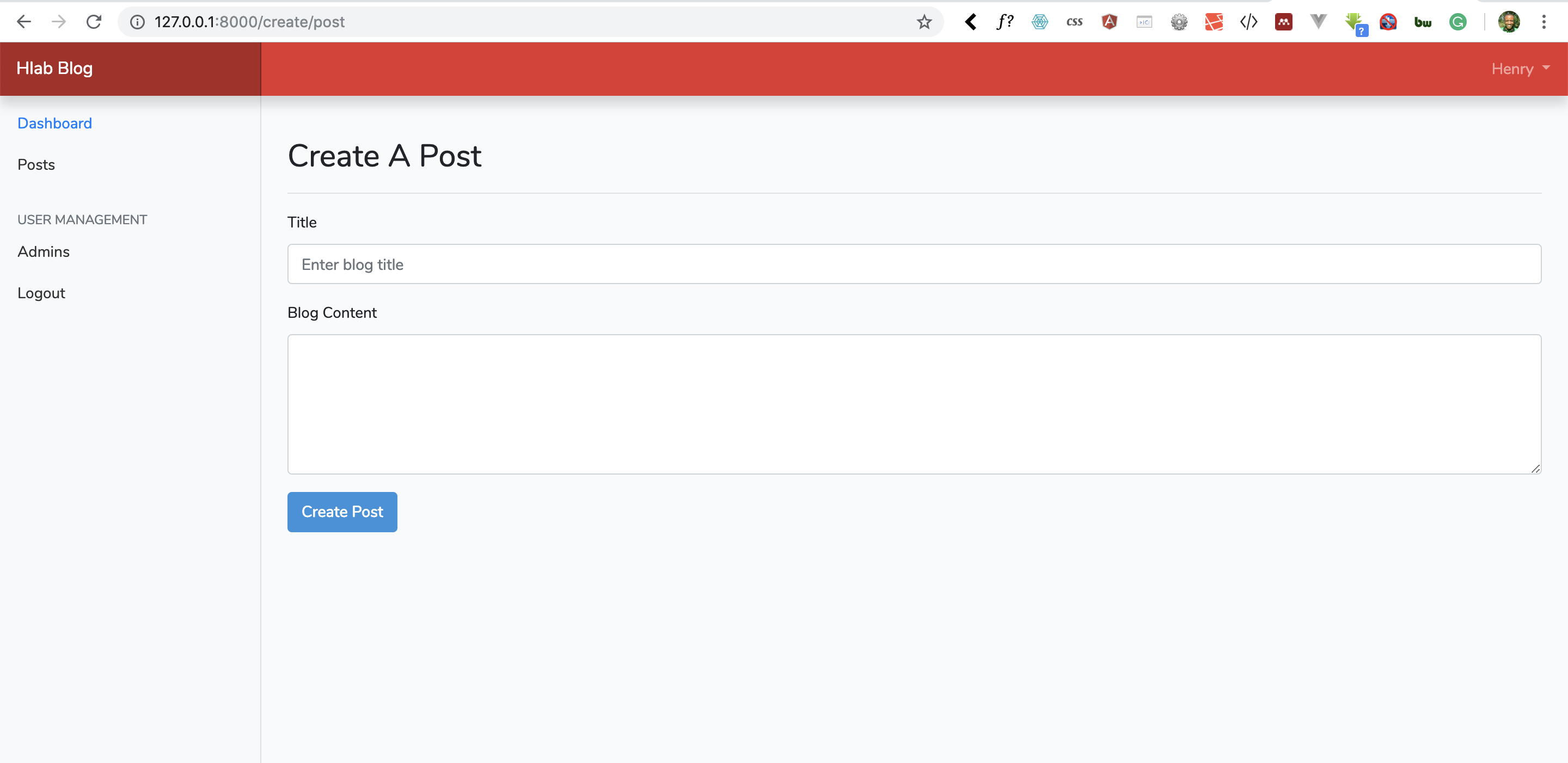
Run the blog posts migration in Laravel 5.7 and build the form that authors use to create a new blog post from the admin dashboard.
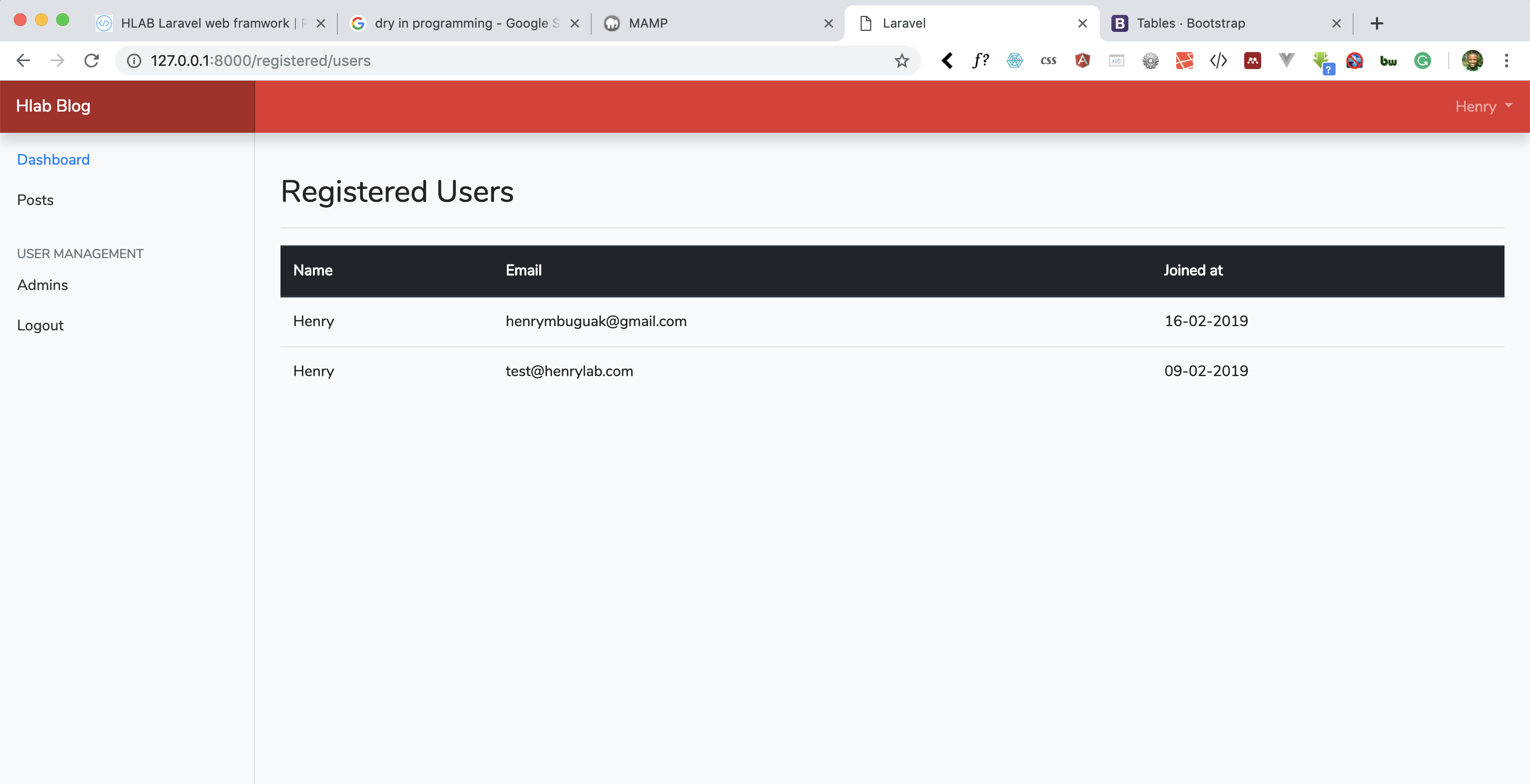
Create the posts table migration for a Laravel 5.7 blog, and query registered users to list them in the Bootstrap 4 admin portal.
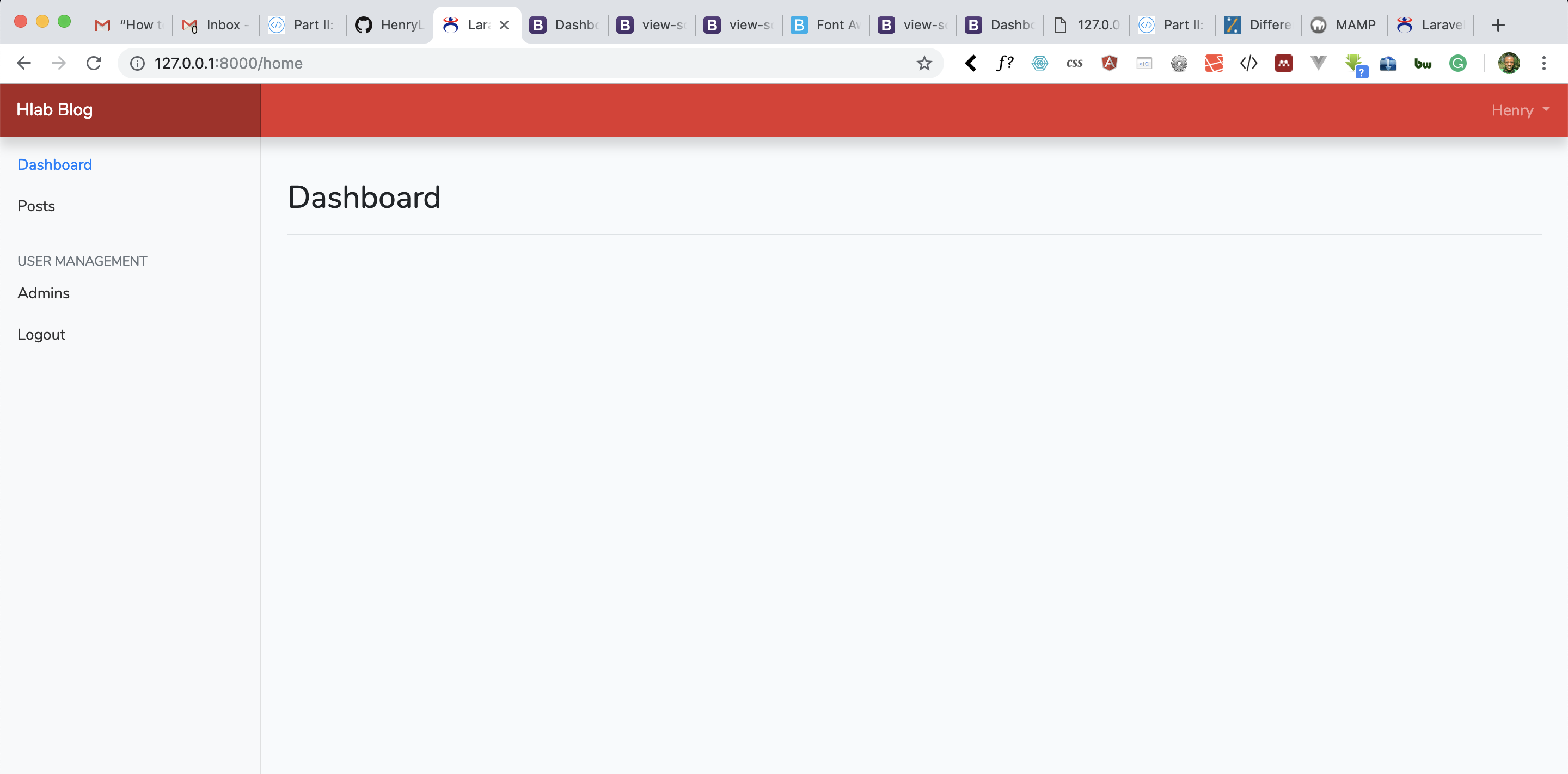
Build the admin dashboard for a Laravel 5.7 blog application with Bootstrap 4, so authors who sign in can manage posts and users from one place.
Add authentication to a Laravel 5.7 blog with the built-in scaffolding, so authors can register, sign in, and reach the admin portal.
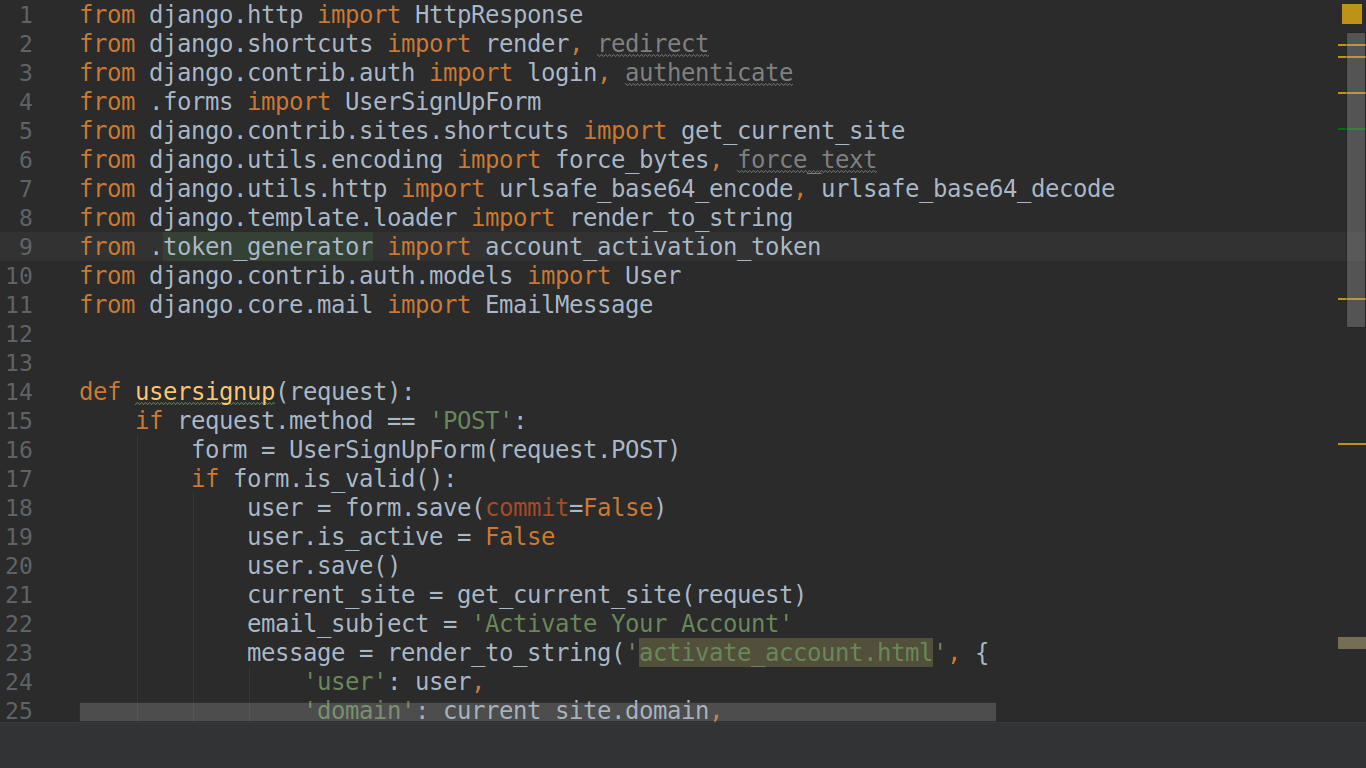
Build a Django 2.1 sign-up form that creates inactive accounts and emails each user a token link to confirm their address and activate the account.
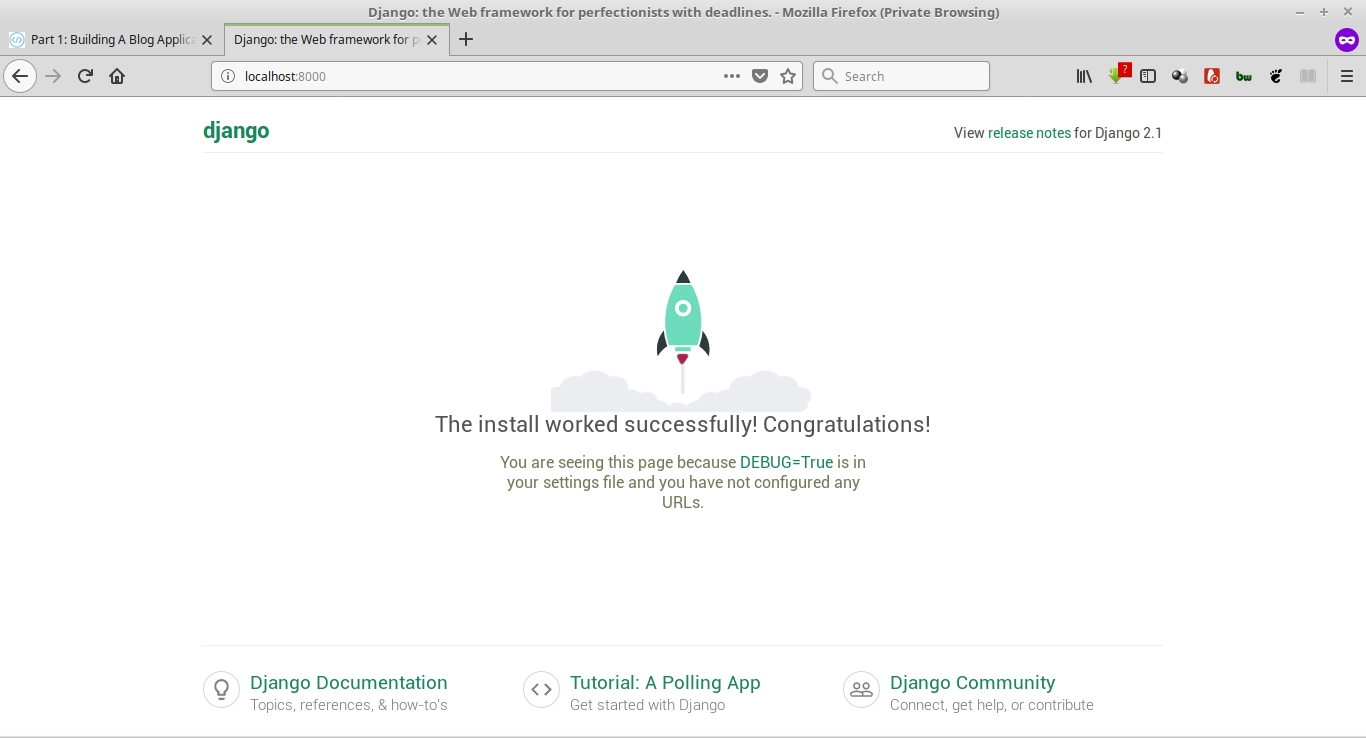
Set up a Django 2.1 project for email verification on sign-up, and learn why confirming that users own their email address protects your application.

Set up a Laravel 5.7 project for a blog application with user sign-in, an admin panel for posts and users, image uploads, and comments.

Grow as a software developer with three habits: practice by building small projects, question existing best practices, and discuss and share your work.